

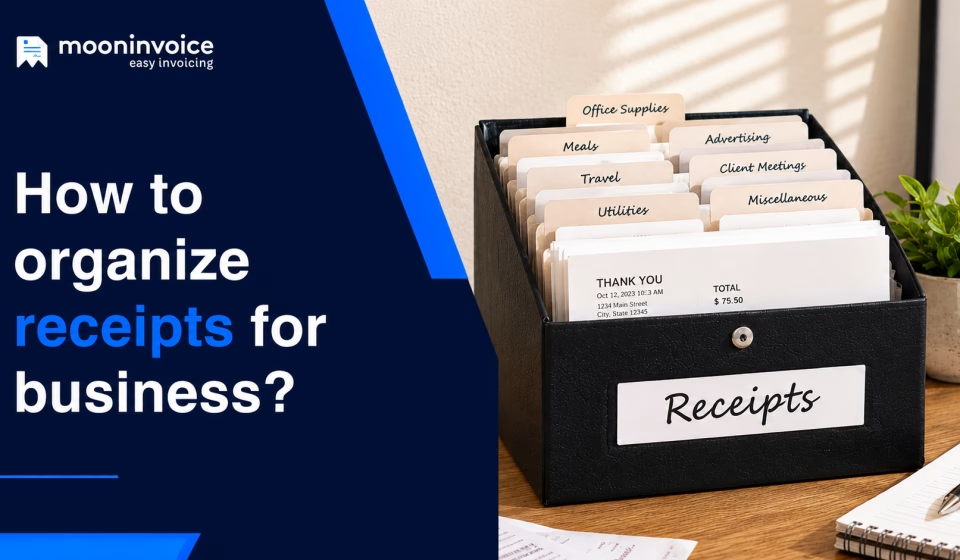


Every business collects receipts. It can be a receipt for inventory purchased from a supplier, materials bought for a construction project, or even office expenses. The problem with receipt organization isn’t where you store them; it’s how you store them. These records can quickly pile up if you don’t have an organized method to store them.
When receipts are organized, businesses get a complete overview of what they actually paid for and insights on their spending habits. But if you are still keeping receipts under the drawer, in cabinets, or in your email inbox, you risk misplacing them.
A better approach is to have a consistent system for storing, categorizing, and retrieving receipts. And guess what, this is exactly what we are going to discuss in this blog. Beyond the best ways to organize receipts, we will also find out how to organize receipts for different types of businesses.
So, let’s get started without any further ado…
📌 Key takeaways
- Organizing receipts helps businesses save valuable time in retrieving and reconciling transactions.
- Avoiding paper-based approach and prioritizing digital receipts are among the best ways to organize receipts.
- Categorizing receipts by expense and reconciling them on an as-needed basis are the other primary ways to organize receipts.
- In terms of storage, accessibility, and searchability, digital receipts stand out compared to physical receipts.
- Creating duplicate records and storing half-detailed receipts are common mistakes to avoid.
Importance of organizing receipts for businesses
Organizing receipts for your business provides a clear record of purchases and expenses throughout your operations. Receipts support the transaction trail after an invoice and help you verify what was purchased, how much was paid, and when the payment was made.
Why should you organize receipts electronically?
Organizing receipts electronically is important for businesses as they help in:
- Accessibility:Focuses on having instant, easy access to your payment and expense receipts whenever you need them.
- Claiming tax deductions: Keep supporting records readily accessible when documenting eligible business expenses for tax seasons.
- Preventing physical damage: Protect receipt records from fading, tearing, moisture, or other physical damage that can make details unreadable.
- Maintaining accurate records: Preserve complete receipt information in a structured format and reduce the risk of misplaced or missing records.
Organize receipts with 100% visibility
Capture receipt data with AI-backed technology and keep every record organized, accessible, and protected with Moon Invoice.
How to organize business receipts: 8 best practices to consider
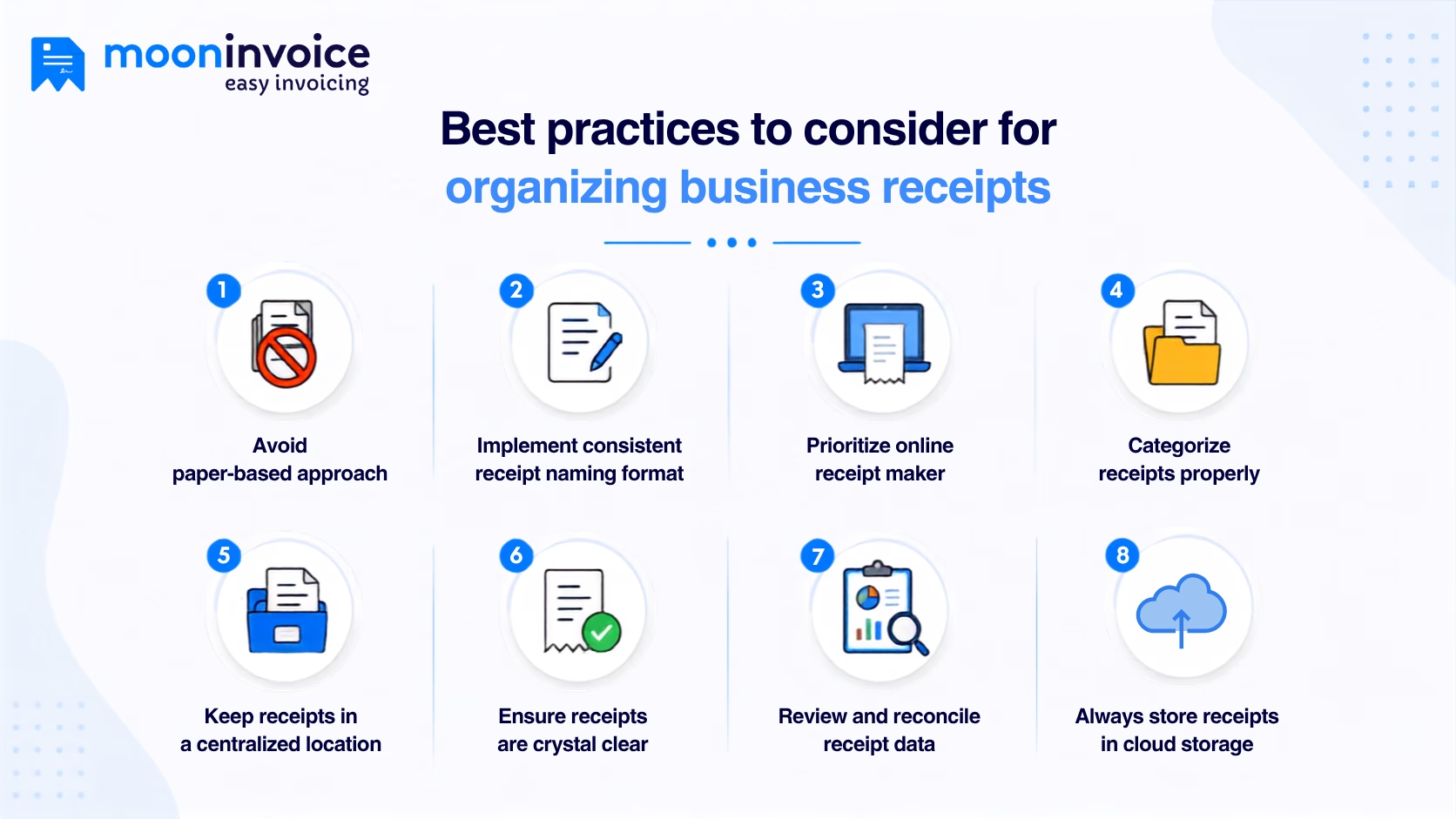
Organizing business receipts means creating a simplified process that makes every receipt easy to identify, store, and retrieve when you need it. Here are 8 best practices to organize receipts for your business.
1. Avoid paper-based approach
A paper-based approach to storing receipts may work when transaction volumes are low, but it becomes difficult to maintain as the business grows. Physical or paper receipts can fade, tear, get damaged, or simply disappear among other documents.
Instead, you can use online receipt templates to create digital records. It gives businesses a more reliable way to preserve receipt information without depending on the physical copy. Digital receipts can be searched and accessed whenever needed.
2. Implement a consistent receipt naming format
A consistent naming format for digital receipts (or physical ones, if you are still relying on traditional methods) makes them much easier to find when you are in haste. So, decide the ideal format based on the transaction date, vendor name, expense type, or project, and follow the same structure for every receipt. You should avoid generic naming such as “receipt123.pdf” or “IMG_7877.jpg,” which gives no clarity about the transaction.
A receipt named “Techno-Craft-Office-Supplies-45” is much better than “New_receipt_15”. A consistent naming system makes receipts easier to identify and search for without opening multiple files just to find the right one.
3. Prioritize an online receipt maker
Digitizing receipts is a good start, but only sticking to digital receipts won’t help you achieve consistency and structure. You should consider using an online receipt maker to make the process more organized.
An online receipt maker like Moon Invoice goes beyond basic receipt creation. It helps you create professional receipts with customizable options to keep your records organized. With an online receipt maker, you can keep digital records of all receipts and avoid the fear of misplacing them.
4. Categorize receipts properly
Receipt categorization is one of the best way to organize receipts. You should create clear categories based on the types of expenses your business regularly handles. Next, place each receipt under the appropriate category.
Categorizing receipts helps you easily find specific records, review spending patterns, and track transactions when required. When your business grows, your receipt volume will grow too, and this is where well-defined receipt categorization can save you considerable time when reviewing financial records.
5. Keep receipts in a centralized location
Retrieving receipts when you need them can be difficult when they’re stored across different folders, email inboxes, devices, or physical locations. Instead, you should keep receipts in a centralized location where all business receipts can be stored and accessed without any headache.
It gives your business a single source for storing and maintaining receipt records. A centralized location is particularly helpful in reviewing business expenses, verifying transactions, and preparing financial records.
6. Ensure receipts are crystal clear
A receipt is only useful when the information on it can be clearly read and understood. Blurry scans, cropped images, faded copies, or missing transaction details can cause problems when you need to verify expense reports or claim tax deductions later.
To ensure receipts are clear and accurate, you should use reliable receipt management software that supports receipt scanning. With software in place, every paper receipt turns into a digital one. They can be scanned and stored with complete information, including the vendor, transaction date, items purchased, amounts, and applicable taxes.
7. Review and reconcile receipt data
Regularly reviewing your receipt records and comparing them with the corresponding transactions is another best way to organize receipts. And it’s not just a one-time process. So, if manual reconciliation is becoming time-consuming, you can use automation tools to reconcile transactions with minimal effort.
Establishing a regular review process also keeps your receipt records up to date. You don’t have to sort through months of unverified receipts when you need accurate financial information.
8. Always store receipts in cloud storage
By now, it is no wonder you have found ways to keep your receipts in digital form. But even that doesn’t guarantee they are completely damage-free and protected from data loss. In the event of unforeseen issues such as device failure or accidental deletion, your entire receipt data could be lost within minutes.
This is where cloud storage comes in. It provides an additional layer of protection to every receipt you store while making them readily accessible whenever you need them. With cloud storage, it is easier to access receipts from authorized devices. It acts as a reliable backup for every receipt without depending on other devices.
Physical vs digital receipt organization: which is better?
Although we say digital receipts are the way to go without thinking twice, there are still businesses that follow physical receipts. So, are physical methods worth the choice, or has digital receipt organization completely overshadowed them? Let’s find out in the comparison below.
| Basis of comparison | Physical receipt organization | Digital receipt organization |
|---|---|---|
| Storage | Requires physical storage space, such as folders, cabinets, or files, for receipt storage. | Receipts can be stored digitally without relying on physical storage space. |
| Accessibility | An extensive search through physical files and storage spaces is required to find a receipt when preparing tax records or claiming deductions. | Receipts can be retrieved within seconds, which makes it easier to access supporting records for tax deductions. |
| Searchability | Finding a specific receipt may require manually going through a receipt filing system. | Digital files can be searched using file names, dates, vendors, or other details. |
| Risk of damage | Physical receipts can fade, tear, get damaged, or become difficult to read over time. | Digital copies are not affected by physical wear and can be backed up for additional protection. |
| Organization | Keeping receipts organized requires consistent manual filing and maintenance. | Receipts can be arranged using folders, categories, naming conventions, and digital tags. |
| Data entry | Important receipt details often need to be recorded through manual data entry. | Receipt scanning and data extraction technology can reduce the need for manual entry. |
| Ease of use | Easy to manage when the invoice volume is low. Generally suitable for startups. | Easy to manage, even when the business is handling high transaction volumes. Suitable for businesses of all sizes, not only startups. |
Mistakes to avoid when organizing business receipts
Sometimes even minor mistakes can create inconsistencies in financial data and weaken your overall record-keeping process. Here are a few common mistakes you must avoid:
1. Creating duplicate records
Storing the same receipt in multiple locations (two or three folders) can cause unnecessary confusion and make it difficult to locate the original. Duplicate records can also distort expense data during reconciliation.
2. Reconciliation issues
A receipt should be traceable to the corresponding purchase or transaction. If receipts and transactions are not in sync, i.e., stored without relevant transaction details, it becomes harder to verify expenses or understand what a payment relates to.
3. Storing blurred or faded receipts
A receipt record missing key details may not provide sufficient evidence when you need to review a purchase. For instance, if you store a receipt without the transaction date, it will be very difficult to verify the purchase.
4. Relying vastly on physical storage
Keeping receipts only in a physical location creates unnecessary risk of data loss. Device failures, accidental deletion, or physical damage can make records difficult or impossible to recover.
Struggling with disorganized receipt records?
Take control of your growing receipt volumes with smarter receipt capture and organization.
Custom PDF layouts
Thermal prints
Online payments
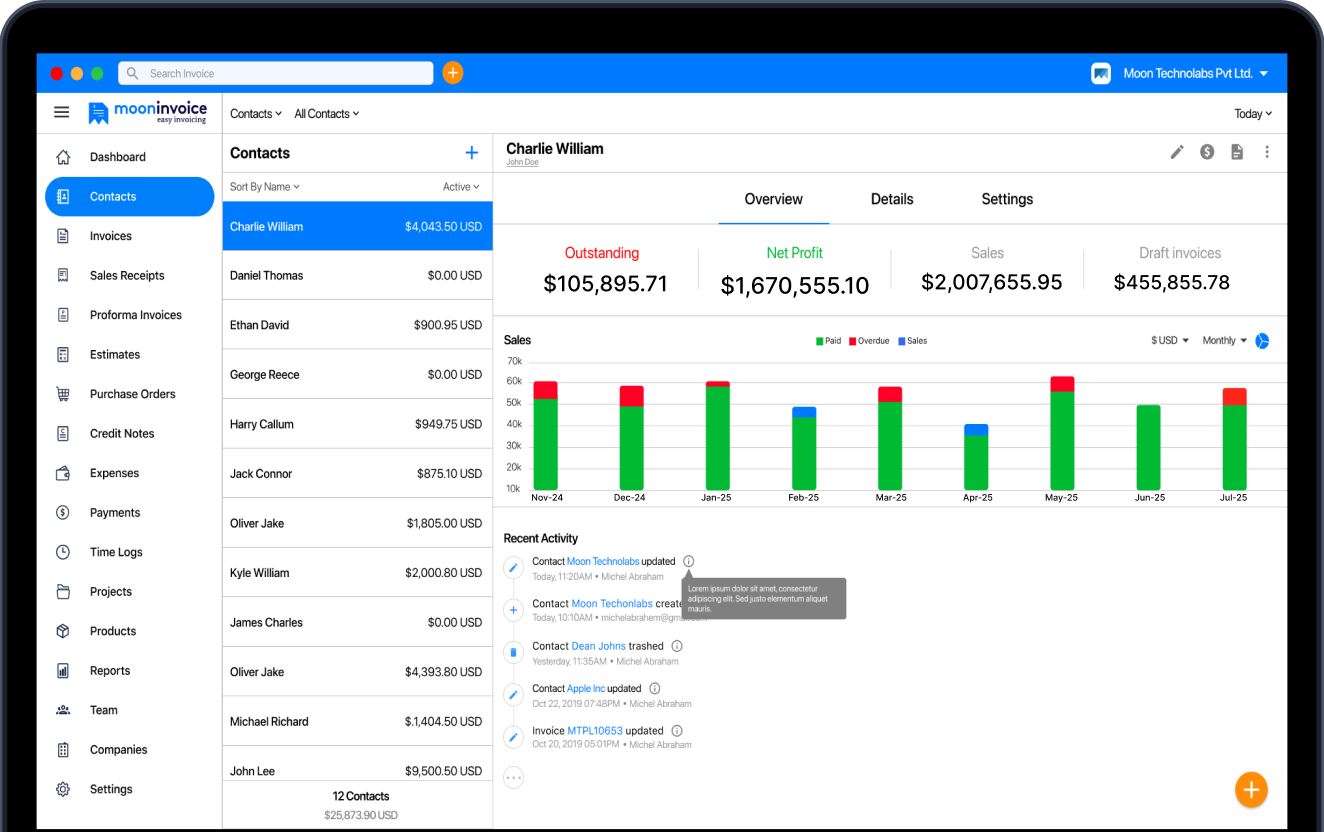
Simplify the way you manage business receipts
So far, we have discussed different ways of organizing receipts, and you might think it is all about keeping paperwork out of sight. But honestly, that is not the goal. The goal is to maintain a reliable record of the purchases and expenses that support your business transactions.
Paper-based receipt organization can lead to errors, take up valuable time, and make important records harder to retrieve. This is why it is worth considering advanced receipt management software such as Moon Invoice. It helps you capture receipt data with AI-backed scanning, while cloud storage keeps your records organized and easy to access whenever you need them.
So, don’t spend hours searching for receipts. Get Moon Invoice today and take a smarter approach to organizing your business receipts.
Additional questions on organizing receipts
How to keep receipts organized?
How do I organize receipts for tax purposes?
What is the best way to keep receipts organized?
How to keep up with receipts for your business?



Jayanti Katariya is the founder & CEO of Moon Invoice, with over a decade of experience in developing SaaS products and the fintech industry. He holds a degree in engineering. Since 2011, Jayanti's expertise has helped thousands of businesses, from small startups to large enterprises, streamline invoicing, estimation, and accounting operations. His vision is to deliver top-tier financial solutions globally, ensuring efficient financial management for all business owners.