
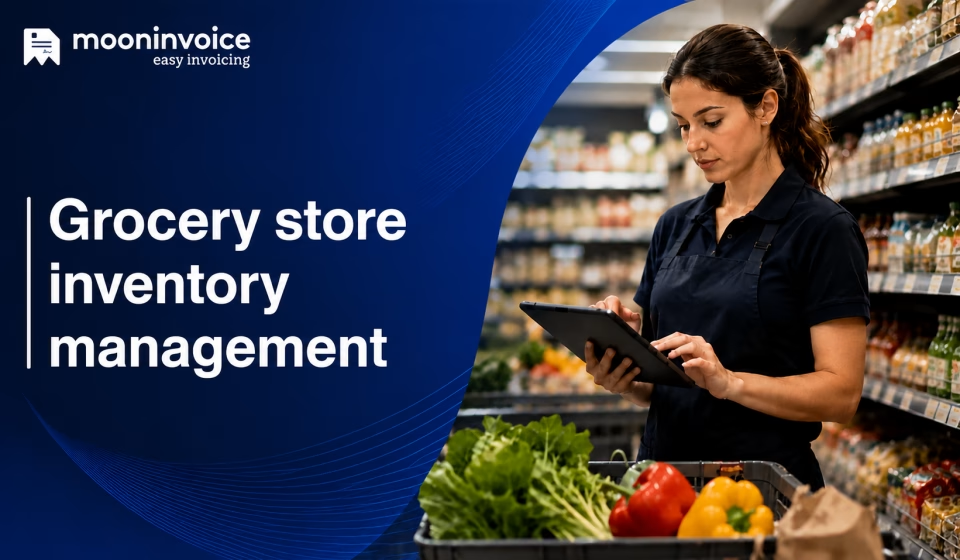


Grocery store owners lose thousands of dollars not to poor sales, but to silent profit drains. This is because store managers usually have to juggle thousands of different products with completely different rules. Even worse, if you are into baking fresh bread or preparing ready-to-eat meals, you also need to oversee raw ingredients right alongside your packaged stock, doubling the chances of hidden waste and inventory mistakes.
To make matters more complex, third-party vendors often restock shelves directly. Therefore, without strict SOPs, these deliveries only create inventory blind spots, leaving you paying for stock that was never delivered or losing track of what’s actually on your floor.
Mastering inventory management for grocery stores is not about spending hours buried in spreadsheets. But it’s all about setting up simple habits and adopting modern tools that keep your shelves full without draining profits.
Did you know?
In 2025, the U.S. and North America led global inventory management software demand, accounting for 35.1% of market revenue in 2025.
What is grocery store inventory management?
Grocery store inventory management is the practice of organizing your stock levels in a way that you have maximum product availability. The process aims to reduce overstocking and food spoilage. Unlike other retail stores, where clothing or electronics items can sit on a shelf for months, grocery retail operates on narrow profit margins and tight expiration windows. This means even a slight delay in moving inventory directly results in unwanted profit loss.
Nowadays, most grocers hinge on Point of Sale (POS) billing and inventory software in order to track what’s sold and what’s leftover on the shelves. With this automated approach, they stay on top of inventory management and make sure no guests leave empty-handed from their doorstep.
Expiration dates draining your margins?
Let Moon POS give you full control of your grocery inventory and prevent spoilage from cutting into your profits.
6 Strategies to optimize grocery inventory management
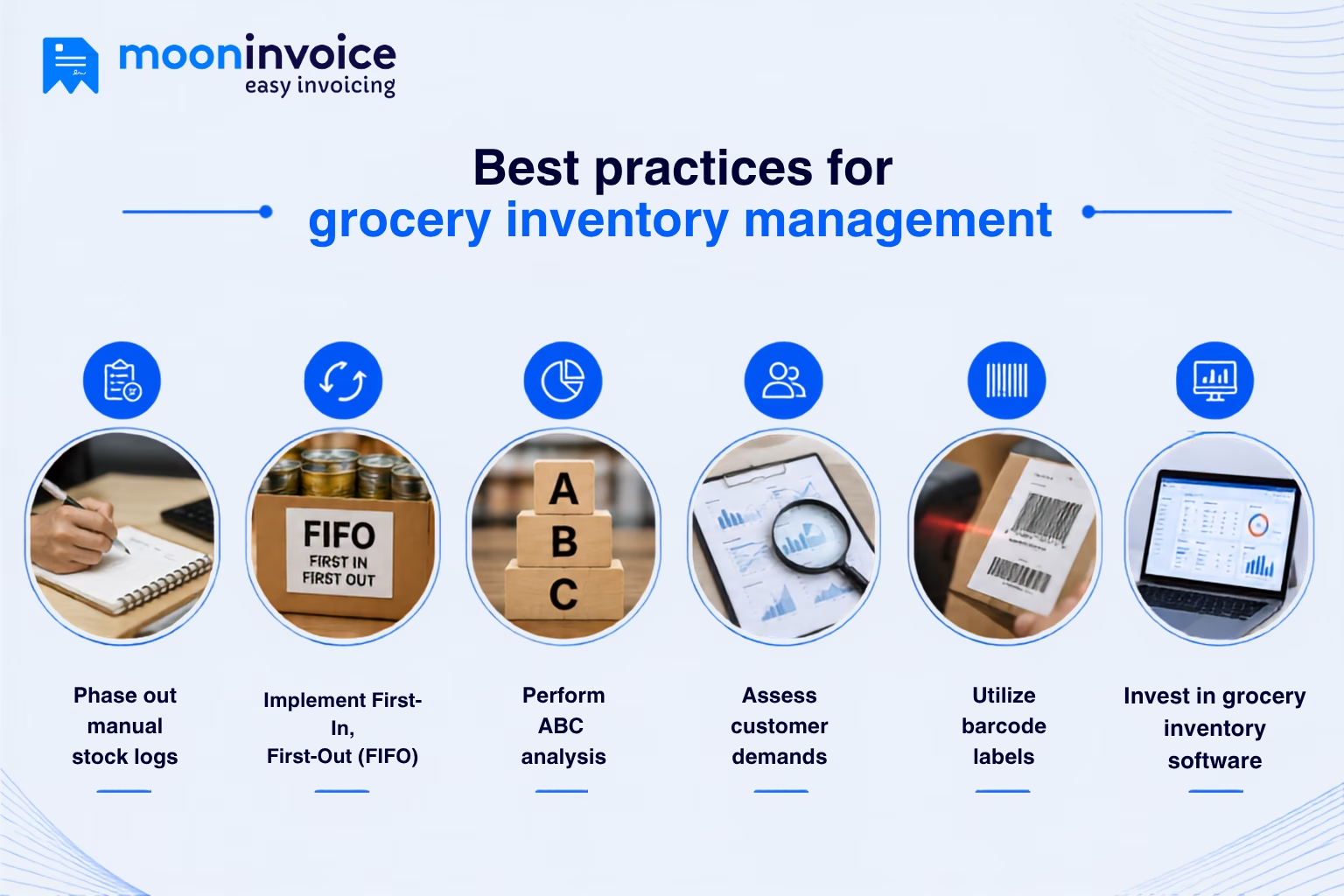
Phase out manual stock logs
To optimize inventory management for a grocery store, step away from the manual approach, i.e., updating spreadsheets or revising stock logs based on phone calls. Trust us, manual logging is notoriously prone to human error, which takes significant time to update records following the sale of inventory. Neither does it provide visibility to the store managers.
What’s painful is that it can lead to out-of-stock situations due to a misplaced digit or a delayed log entry. Therefore, no wonder that replacing manual stock logs with barcode scanners and automated tracking is a wise decision.
Implement First-In, First-Out (FIFO)
Stick to the First-In, First-Out (FIFO) approach. A non-negotiable practice for grocers to control inventory shrink and protect profit margins. It follows a simple logic – the oldest stock must always be placed at the front of the shelf to sell first, while newly received shipments go directly to the back of the shelf.
To implement FIFO, First, train warehouse teams to ensure existing inventory is placed in the front row of the shelf. Second, always use barcode scanners at the loading dock to log lot numbers and correct expiration dates into your software. This way, you can take timely action on aging inventory and avoid writing off full product costs.
Perform ABC Analysis
No grocers can afford managing high-margin products the same way they track other goods. Applying an ABC analysis means segmenting your stock into three tiers based on which one contributes more to your revenue.
Here is how your product catalog breaks down under this model:
- Class A: consists of top-grossing products
- Class B: covers items that have moderate demand
- Class C: comprises low-cost staple items
Following this practice, floor managers can turn their focus to what matters most. Instead of wasting hours manually counting bulk items, on-site teams can conduct daily security audits for high-margin items that actually contribute to the overall revenue.
Pro Tip:
Use our profit margin calculator to identify top-selling grocery items without any guesswork. Set your Class A priorities now.
Assess customer demands
As a grocery store owner, you must know what your customers often like to purchase or their growing demands. Failing to do so will lead to overstocking perishable items and running out of high-demand products.
But the question is how? Well, start forecasting demand based on three criteria: seasonal shifts, local events, and promotional lifts. Also, review past sales trends, customer behavior, and seasonal ups and downs in a bid to align stock with buyer requirements. If required, take help from online tools to generate digital inventory reports, using which you can review historical sales data and prepare for surges during holidays.
Utilize barcode labels
Attaching barcodes to products is the foundational step in your effort to optimize the grocery store inventory. Standardizing barcode labels across all products lets store managers gain total grocery inventory control. With this approach, they not only save time on updating logs manually but also accelerate the checkout process, enhancing the overall buying experience.
In reality, this barcode technology goes far beyond just price scanning at the checkout counter. It allows receiving teams to audit incoming shipments at the loading dock and verify purchase orders in real time. The staff can scan shelf tags in order to check stock levels and can even trigger automatic reorder alerts.
Invest in grocery inventory management software
Optimizing inventory to satisfy buyers is one thing, but mastering inventory challenges while scaling your business operations is another. The latter, however, is worth trying. And it only comes with investing in online grocery inventory management software. Such automated POS software unifies every moving part of your business, connecting receiving dock barcode scans and front-end checkout.
Grocery retailers adopting online software for effective inventory management can spot top-selling items and get notified as soon as they are running out of stock. They benefit from the automated reordering process, which ensures inventory remains fully stocked and reduces spoilage significantly.
What are the primary challenges in grocery inventory tracking?
The fast-paced nature of grocery retail stores usually creates inventory hurdles that lead to loss of inventory control.
Below are the barriers managers face when tracking supermarket stock.
Ignoring inventory audits
No matter how well you take care of your supermarket grocery stock, failing to conduct timely audits is the fastest way to lose control of your stock counts. Managers skipping physical audits report running into ghost inventory (items that exist only on paper but not on the floor).
Visibility gaps
Sure, overseeing grocery store inventory is like trying to navigate a ship in deep fog. What compounds the problem is that keeping stockrooms, fresh departments, and registers unconnected creates blind spots. These visibility gaps make it nearly impossible for store managers to know exact stock counts.
Swings in demands
Unpredictable swings in customer demands give constant headaches to the floor managers. This volatility is like walking on a tightrope. You order too little inventory out of caution, and face stockouts. On the other hand, overreacting to a temporary surge in demand leads to overstocking.
Syncing multi-channel sales
Selling across both physical stores and online delivery channels, syncing the inventory data is a nightmare for modern grocery store owners. If synchronization issues persist, your on-site team has to deal with order cancellations and customer frustration.
Product expiry and spoilage
Grocery stock has short shelf lives, which means poor stock rotation or even a slight overordering can result in food spoilage and waste. If it continues for too long, you may fall short of desired revenue and incur unwanted financial loss. What makes this challenge even harder to maintain inventory control is careless shelf stocking.
Simplify inventory management with Moon POS
By now, you know overseeing a grocery store inventory always comes with its fair share of daily friction. Hunting ghost inventory, bridging visibility gaps, predicting demand swings, and whatnot. Amid such inventory chaos, relying on manual spreadsheets only drains your hard-earned profits. A unified inventory management system like Moon POS turns everyday headaches into complete stock visibility.
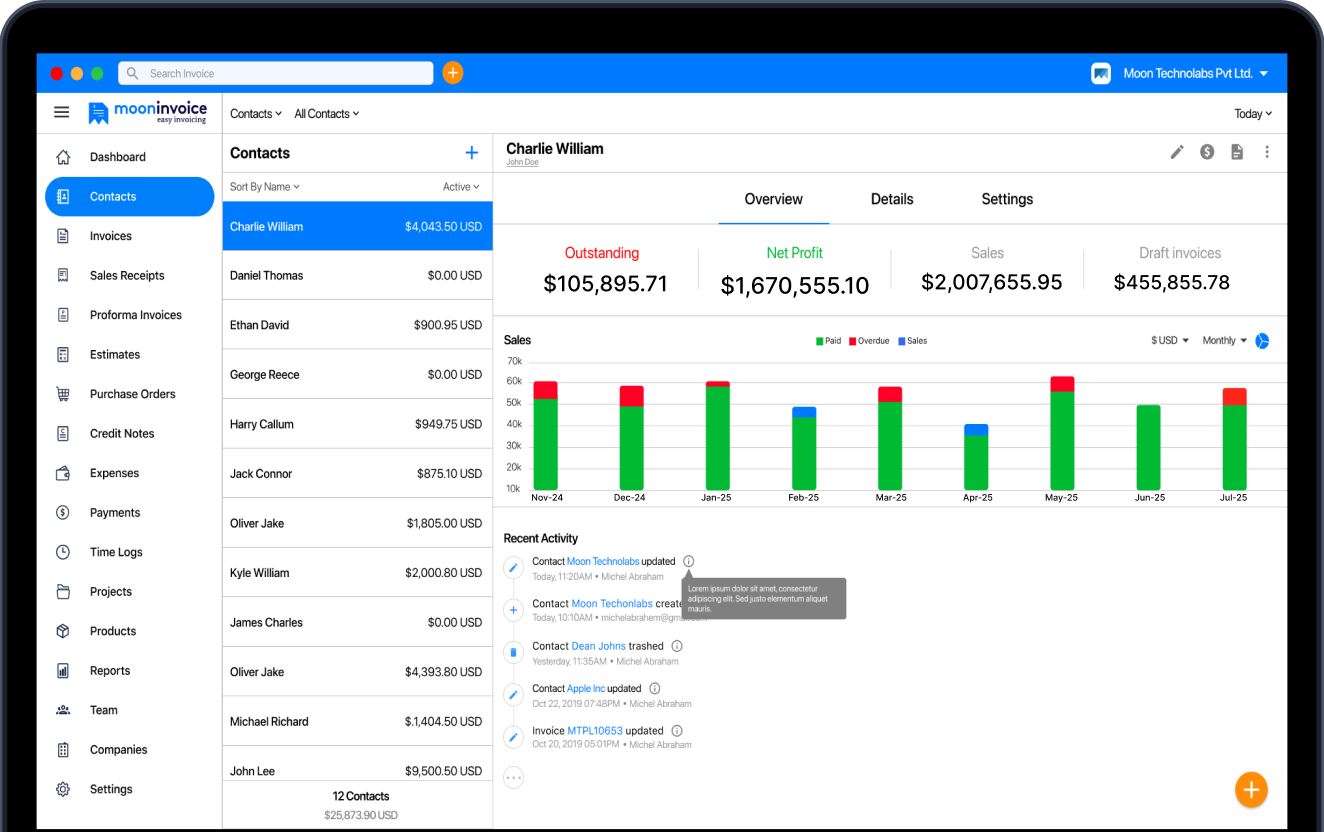
With sophisticated features like barcode generation, thermal prints, and automatic stock alerts, Moon Invoice makes sure you catch shrinkage before it starts hurting your bottom line. And yes, every stock update happens in real time, so you won’t have to deal with laggy inventory syncs. Moon Invoice makes grocery inventory tracking a breeze and aids in scaling your grocery business sustainably.
100% stock visibility. Zero inventory chaos.
Take back control of your grocery stock with real-time updates.
Low-stock alerts
Barcode generator
Payment integrations
FAQs on inventory management for grocery store
How to maintain grocery stock levels?
How to manage a grocery store?
What is the golden rule for inventory?
How to manage grocery store inventory across multiple locations?



Jayanti Katariya is the founder & CEO of Moon Invoice, with over a decade of experience in developing SaaS products and the fintech industry. He holds a degree in engineering. Since 2011, Jayanti's expertise has helped thousands of businesses, from small startups to large enterprises, streamline invoicing, estimation, and accounting operations. His vision is to deliver top-tier financial solutions globally, ensuring efficient financial management for all business owners.