
Cash received without a record is just confusion waiting to happen, sooner or later. Nobody can manage finances based on guesswork or memory. What it takes is clarity, and that comes from tracking every dollar, whether it is coming into or leaving your business.
Having said that, cash receipts play a vital role in asserting your business’s financial health, so that you can plan your yearly budget more strategically. Many businesses, however, still brush them aside. A small cash payment here, a quick deal there, and whatnot. There’s no solid proof.
Bringing financial clarity starts with a small habit of issuing cash receipts. Sure, we will discuss that later, but first, let us understand the cash receipt definition, receipt templates, and the best examples of cash receipts.
What is a cash receipt?
A cash receipt is a formal document, highlighting that the payment has been received through in-hand cash. In simpler words, it gives acknowledgment of a specific amount collected for purchased goods or services. Barring the cash transaction, there is no such difference between a cash receipt and a regular payment receipt.
A cash receipt, if not issued, the cash transactions can slip through the cracks, very easily. Since the transactions are in cash, there are no digital records available to track the incoming money. Therefore, generating and issuing a cash receipt makes complete sense.
Even if it is a one-time cash exchange, the transaction must be recorded by utilizing a cash receipt. After all, no business can afford a lack of visibility into its cash flow, particularly when cash is flowing in.
Cash receipt examples
Suppose an electrical contractor is hired to look after the faulty wiring at the customer’s residence. As the job winds up, the electrician hands over the bill, prompting the recipient to settle the outstanding dues.
The customer makes the payment using physical money, i.e., cash. Now, as soon as payment is made, the electrical contractor will issue only a cash receipt to confirm that they received the money. The details of the receipt are later recorded in the cash register.
To simplify the receipt generation, contractors and businesses prefer a customizable receipt template in PDF, MS Word, or other formats. That way, there are no chances of misplacing receipts, which is often the case with paper-based receipts.
Here’s the perfect example of what a cash receipt looks like in real life.
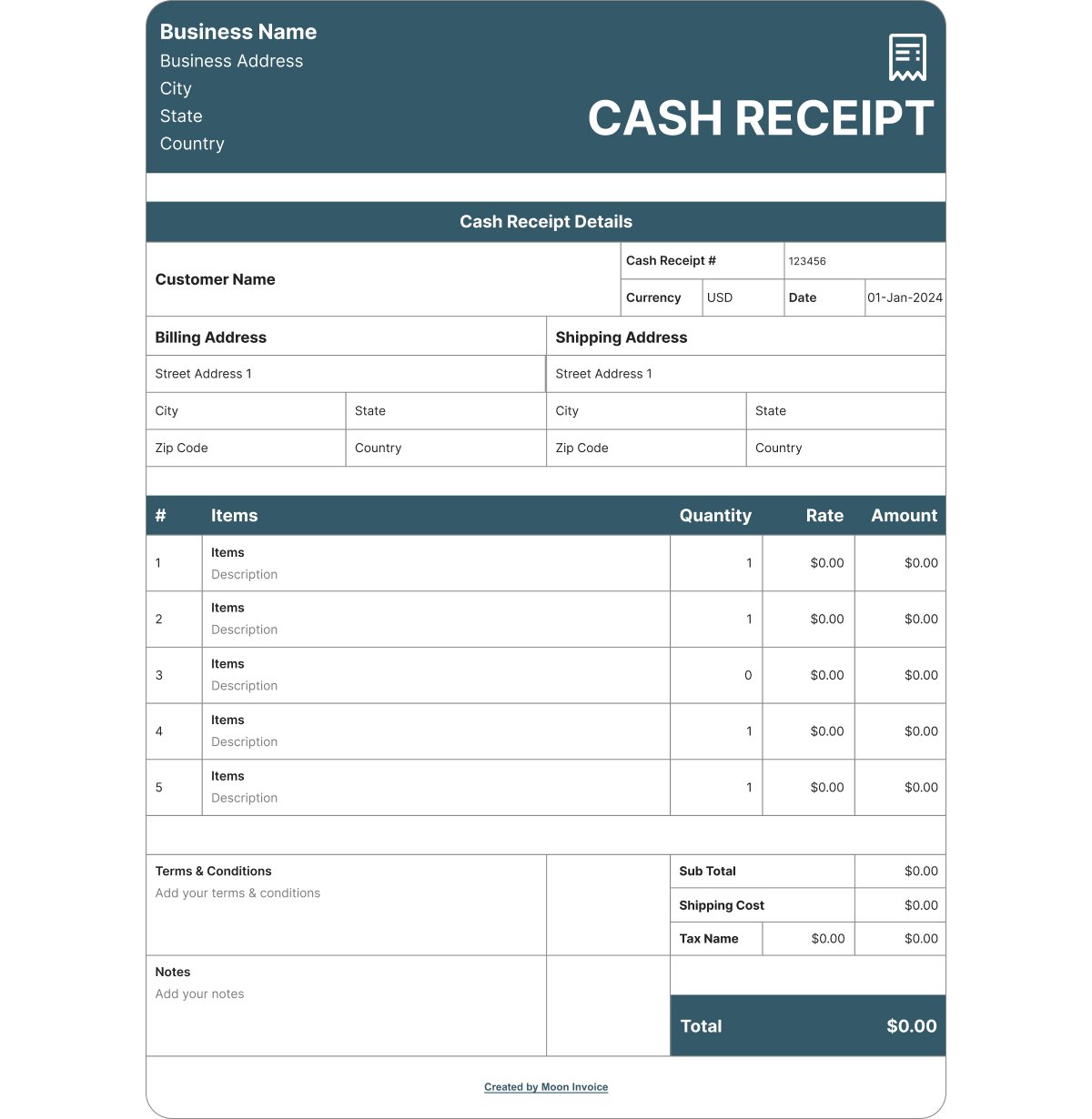
Download cash receipt template in PDF
Sorted – Your cash receipts chaos
Automate and issue paperless cash receipts to stay organized. One less thing to remember.
Why do you need to issue cash receipts? – Benefits explained
Whether you like it or not, issuing cash receipts isn’t just about documentation. Receipt generation is a common practice to have better financial control. Here are the benefits outlining why you must share a cash receipt.
1. Cash flow visibility
When you issue and keep duplicate copies of cash receipts, it gives clear visibility into the cash movements. Which means no cash receipt transaction goes unnoticed. You no longer have to rely on guesswork for understanding the actual cash position. And no cash shortages, of course.
2. Internal record-keeping
As your business grows, it would probably be difficult to remember how much money was flowing in over time. Therefore, issuing and maintaining a perfect record is as important as organizing business finances. It ensures you make informed decisions after reviewing internal records.
3. Proof of sale
Sending a receipt means you have strong evidence of a sale, which may come in handy in case of disputes with the customer. Without a receipt, you may have a hard time addressing after-sales issues, some of which could even lead to legal consequences.
4. Simplified auditing process
Sharing receipts further aids in making the auditing process far less complicated. When you share a receipt, you keep a copy for self purpose, and that’s how you leave no chance of unrecorded cash inflows. The process validates your financial data and accelerates the review process.
5. Builds customer trust
Besides cash flows, issuing receipts also significantly garners customers’ trust, which increases your business reputation. Gaining trust from multiple customers will also lead to word-of-mouth marketing, drawing more and more customers. That way, a small receipt goes a long way in building confidence.
Where and how to record cash receipts?
Cash receipts are first recorded in a cash receipts journal, a dedicated book or register used to record all cash payments. Some businesses also record them digitally in professional invoicing software or simply use Google spreadsheets.
Still, if you are wondering how to record these cash receipts digitally, then here are the simple steps to follow. Notably, the process is quite similar to generating fresh receipts.
1. Get receipt templates
Explore and grab the readymade receipt template in your desired format, i.e., MS Word, MS Excel, or PDF. Online invoicing software, like Moon Invoice, provides pre-designed receipt templates for free. Businesses like yours can explore as many as 60 receipt templates or even more before picking the right one that meets your requirements.
2. Populate the required details
Next, start filling in the necessary business and the buyer’s information, including email address and contact numbers. Add the receipt number, the amount you received, along with the taxes, and the correct date. Keep the payment method as cash. You can even put a small note, stressing your refund policy or other similar instructions.
3. Review and save
As soon as you include all the necessary details, take a second look at what you recently entered. Of course, the calculations will be accurate since you are utilizing the readymade template, but make sure the business name, the customer’s full name, and the residential address are correct and free of typos. Later, hit the save button.
4. Record automatically
Clicking on the save button will automatically record and store the receipt in the cloud storage. It’s a complete paperless process, which means you no longer need to make a separate entry in the cash register. The details will be saved automatically right after you tap on the save button. The records will also appear in the financial statement and monthly/yearly reports.
Create & manage paperless receipts with Moon Invoice
Be it a cash receipt or a regular payment receipt, if misplaced, you need to conduct a manual search that may steal your time. Plus, inaccuracy in financial data looms. The solution? online personalized receipt maker, Moon Invoice.
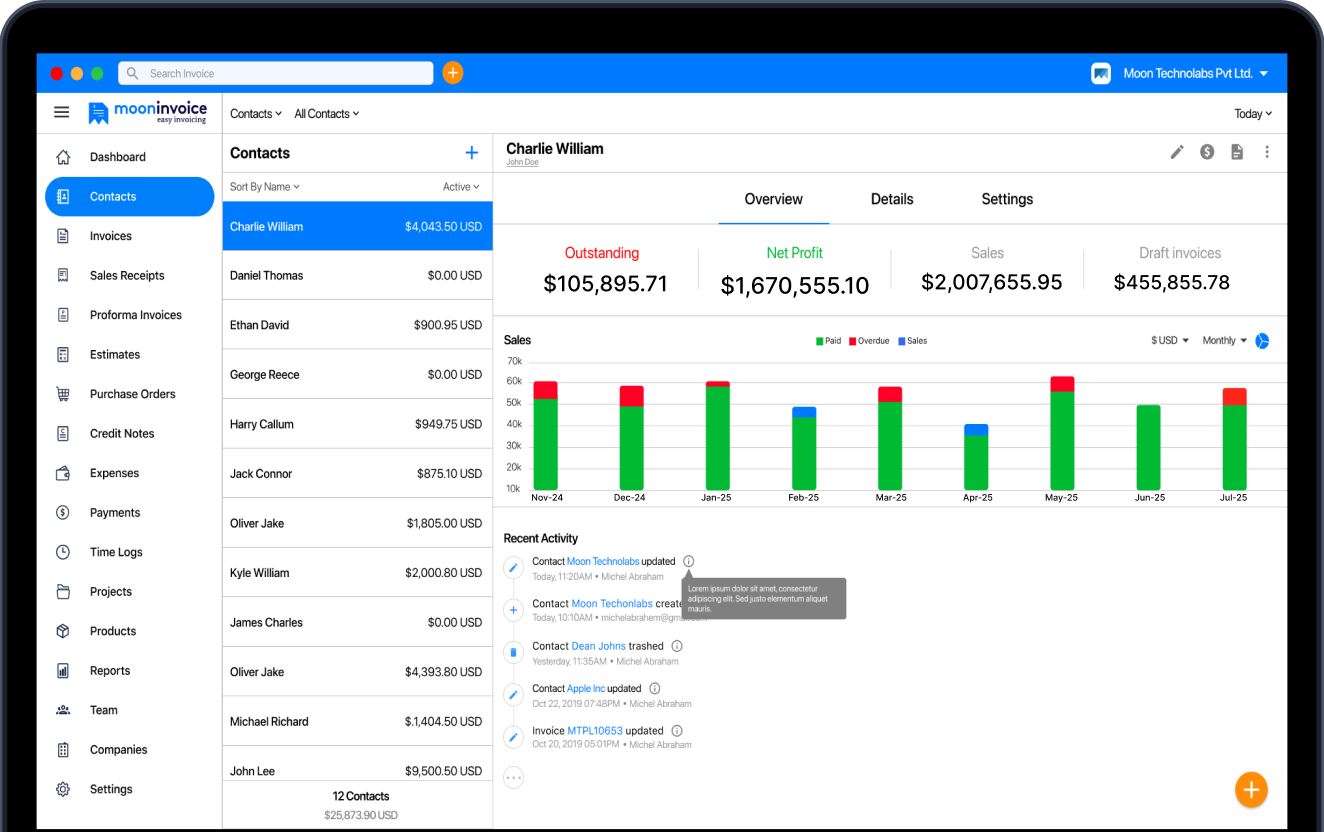
Powered by AI, the software offers a complete paperless approach and plenty of customizable invoice and receipt templates to alleviate the pain of administrative work. It lets you store every important document, including receipts, in the cloud storage, with no fear of losing them.
On top of that, you get auto-generated, accurate financial reports that would otherwise take time to create with a manual approach. Hence, no time-wasting, no paperwork, no repetitive data entry – nothing, just complete financial control.
Make receipts that never fade away
Digitize your receipt generation process now.
Pre-built templates
AI receipt scanner
Error-free reports
General questions on cash payment receipts
How do I give someone a receipt for cash?
What do cash receipts look like?
What counts as a cash receipt?
Where to find readymade cash receipt templates in PDF?
What are the essential components of a cash payment receipt?



We at Moon Invoice, are the best minds behind smarter invoicing and seamless business growth. We love to solve financial problems and keep providing effective tips through our blogs, newsletters, and social media channels. As a team, we continue exchanging ideas about growing financial challenges and smart use of automation tools.