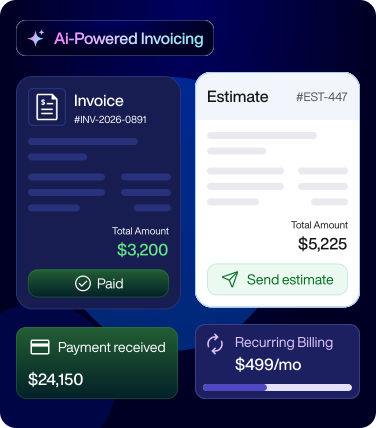



Manage your billing operations with smart automation and cutting-edge technology.
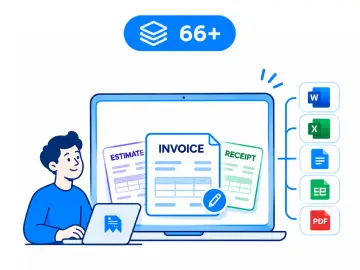
Moon Invoice offers 66+ customizable templates to create estimates, invoices, and receipts. These ready-made samples let users create documents in Word, Excel, Google Docs, Google Sheets, and PDF faster.

Utilize AI-powered features such as Quick Scan to create invoices, receipts, and other documents. Users can record payments and contacts, create product images, or fetch billing information through AI.
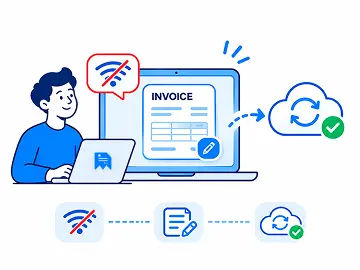
Moon Invoice supports offline invoicing and lets users create & complete some billing tasks to keep the workflow going. The data will be automatically synchronized once the internet connection is restored.
In the Moon Invoice vs. Bonsai comparison, both invoicing software options are well known for
their user-friendly interface and advanced features. However, Moon
Invoice leads Bonsai in the following areas:


 It lacks inventory management for products.
Payment options include Stripe, PayPal, and ACH/bank transfer.
No direct invoice sharing via WhatsApp; an invoice link can be shared.
It offers AI capabilities but lacks Quick Scan and an AI chatbot.
Tailored to service-based businesses, not product-based businesses.
It is available only in English.


 It offers built-in inventory management.
It offers 20+ payment options, including PayPal, Stripe, and more.
WhatsApp integration to send invoices directly to the client.
It offers Quick Scan to create documents and an AI chatbot.
Suitable for service-based and product-based businesses.
Supports 25+ international languages.
As a Bonsai alternative for small businesses, Moon Invoice offers the following advantages:
| Features |
|
Best Value
|
|---|---|---|
| AI automation | |
|
| Customizable templates | |
|
| Built-in POS | |
|
| Recurring invoicing | |
|
| Project management | |
|
| Credit note | |
|
| Debit note | |
|
| Expense tracking | |
|
| Inventory management | |
|
| Team collaboration | |
|
| White-label support | Partial | Full |
| Bank reconciliation | |
|
| Third-party integration | Limited | Broad |
| Multi-language support | |
|
| Platform support | Available on Android, iOS, and web browser | Available on Android, macOS, iOS, web browser, Linux, & Windows |
Compare and see which gives more value for your money.
 1 User Access
Invoices & Payments
Expense tracking
Manage 25 Clients AI Quick Scan Unlimited Invoices & Estimates Expense Tracking Receipt Management Recurring Invoices Advanced Reports & Insights
Read our customers' words to learn about their experience with Moon Invoice.





Managing business billing is never a straightforward task for my business. Fortunately, I found Moon Invoice, which helps me streamline my day-to-day billing through plenty of useful tools. Waiting for more exciting features.

As a freelancer, I need a simple invoicing tool to manage my projects and billing, and Moon Invoice delivers that. Now I can easily manage my clients' details and projects, track billable hours, and get paid on time.

Thanks to the team for creating this wonderful tool. It makes it easy for me to create professional invoices, track payments, and send payment reminders without spending too much time. Moon Invoice is valuable for my business.

Manage your business billing and other financial actions with greater ease.
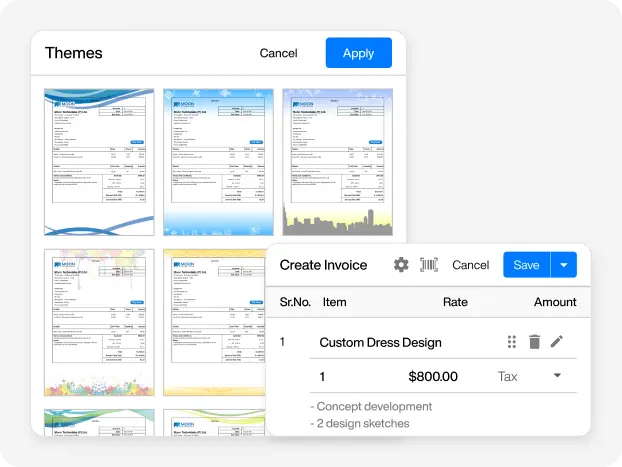
Eliminate the need to create invoices manually from scratch. Use 66+ free, customizable templates to generate unlimited professional invoices in minutes, or use AI Quick Scan to create invoices from uploaded documents.
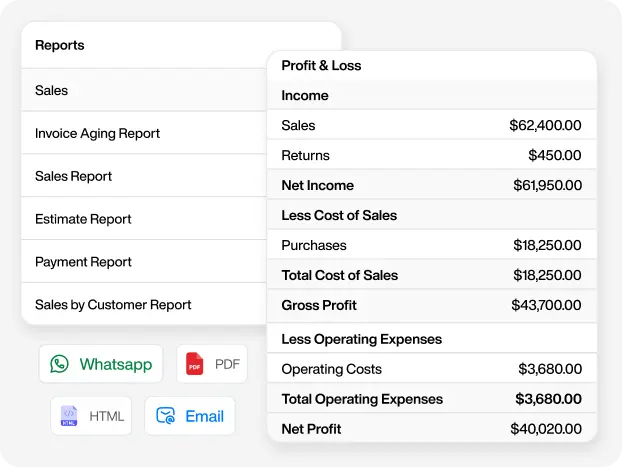
Explore 15+ business financial reports to see your business finances in real time. Identify various metrics such as outstanding balance, sales, net profit, loss, etc. Easily preview, export, or share reports via email and WhatsApp.
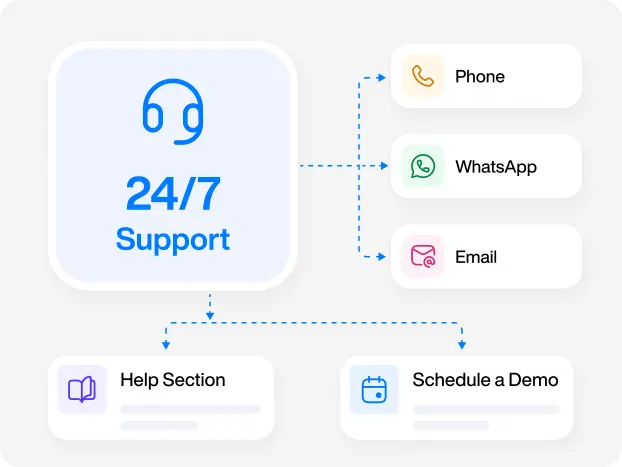
Get 24-hour reliable support from a dedicated team via phone, email, and WhatsApp. Get the right solution for all account-related and billing queries without delay. Explore the help center or schedule a demo to understand better.
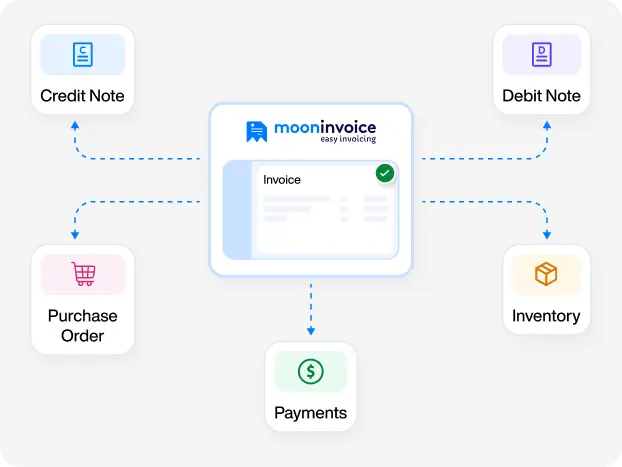
Don’t limit yourself to billing. Create and manage credit notes, debit notes, purchase orders, inventory, and payments from a single platform. Simplify your accounting actions while streamlining daily invoicing.
Manage estimates, invoices, and other accounting tasks from one centralized platform to keep your finances organized.
AI-powered invoicingRecurring invoicesSmart expense trackingGet paid faster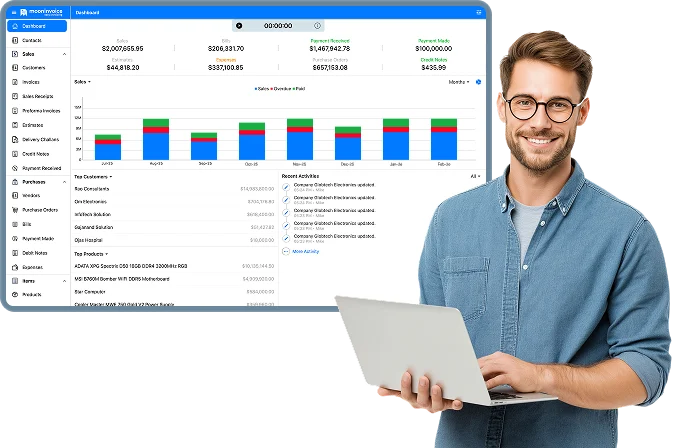
A detailed comparison of Moon Invoice and InvoiceBerry features, pricing, and payment tools to help you choose the best invoicing platform.

A detailed comparison of Moon Invoice and Invoice Ninja covering features, pricing, ease of use, integrations, and business management capabilities.
Looking for an Odoo Invoice alternative? Compare features, pricing, and capabilities with Moon Invoice, a trusted accounting solution for businesses. Start a free trial today.
If you have questions or concerns, contact our customer support team for help.
Moon Invoice is cost-effective for freelancers and small businesses. Its basic plan offers unlimited invoicing, 25 active clients, unlimited estimates, pro forma invoices, and more. Bonsai's basic plan covers unlimited projects and unlimited clients but doesn’t include invoicing.
Both Moon Invoice and Bonsai support international billing. However, Moon Invoice is a stronger choice as it offers 100+ currencies, 25+ international languages, and 20+ payment options. Bonsai is also suitable for businesses that need multi-currency invoicing and reliable payment options. However, it lacks multilingual support.
Yes, Moon Invoice offers 20+ payment integrations to simplify payment processing. Bonsai offers credit and debit cards (available in the UK, US, Canada, and Australia), Stripe payments, and PayPal.
Moon Invoice is a better choice for freelancers and other businesses that want to simplify daily invoicing with AI capabilities. It is also a good option for those who want to manage business billing better than with simple invoicing. Professionals can manage expense tracking, project tracking, inventory management, payment collection, and reporting in one platform.
Yes, you can switch from Bonsai to Moon Invoice by exporting data from Bonsai as a CSV and importing it into Moon Invoice. Here are the steps you need to follow:
Note: Always check CSV compatibility before importing.
For my business, one of the headaches was managing both stocks and expenses. Luckily, I switched to Moon Invoice and found the hassles of stock and expense management getting faded. Thanks to this amazing invoicing app.


Try Moon Invoice Today!
For my business, one of the headaches was managing both stocks and expenses. Luckily, I switched to Moon Invoice and found the hassles of stock and expense management getting faded. Thanks to this amazing invoicing app.
Try Moon Invoice Today!
For my business, one of the headaches was managing both stocks and expenses. Luckily, I switched to Moon Invoice and found the hassles of stock and expense management getting faded. Thanks to this amazing invoicing app.
We will send you an email with instructions to reset it.
For my business, one of the headaches was managing both stocks and expenses. Luckily, I switched to Moon Invoice and found the hassles of stock and expense management getting faded. Thanks to this amazing invoicing app.
Enter Password to link your account with Gmail
For my business, one of the headaches was managing both stocks and expenses. Luckily, I switched to Moon Invoice and found the hassles of stock and expense management getting faded. Thanks to this amazing invoicing app.
Try Moon Invoice Today!