

Areas where Moon Invoice stands out
Feature-rich tool designed for modern businesses to unlock a seamless billing experience.
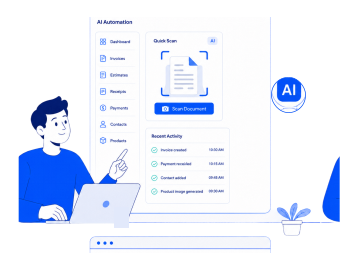
Automate more with AI
Handle your tasks smartly with AI automation. Quickly create invoices, estimates, and receipts with the quick scan feature. Additionally, record payments, create contacts, and product images with AI, simplifying work and saving time.
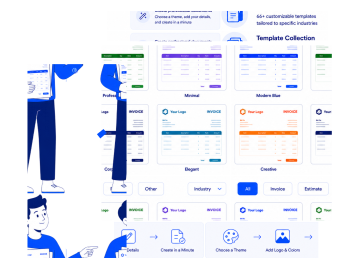
Extensive template collection
This QuickBooks alternative offers 66+ customizable templates tailored to specific industries. Easily choose a theme for your business, add a logo, colors, and details, and create your invoices, estimates, and receipts in a minute.
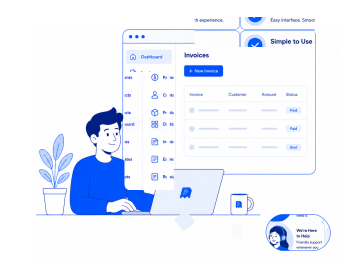
Simple to use
Moon Invoice lacks a steep learning curve and offers an easy-to-use interface and navigation. It doesn’t include any complex concepts and helps new users become familiar with the platform. Also, it provides customer support and helpful resources.
Why choose Moon Invoice over QuickBooks?
Both platforms offer satisfactory features. However, Moon Invoice stands out in the following areas.
Check the major features of this QuickBooks competitor.


-
 OCR technology is limited to receipt capture & expense management.
-
Invoicing is available, but the primary focus is on the accounting.
-
Templates are available but limited to built-in varieties.
-
Offline access is unavailable on this platform.
-
The multi-language support is limited as compared to Moon Invoice.
-
The free plan allows limited invoicing & starter plan is a little expensive.
-
Cross-platform support for Android, iOS, Windows, and web browsers.


-
 Create invoices, receipts & other documents via OCR technology.
-
Provide an end-to-end invoicing solution with a rich set of features.
-
Extensive templates for invoice, estimate, and receipt making.
-
The platform provides offline functionality.
-
It offers vast language support, offering 25+ global languages.
-
Affordable starter plan that allows unlimited invoices & estimates.
-
Available on Linux, Android, iOS, Mac, Windows, & web browsers.
Moon Invoice vs QuickBooks: Quick comparison
Explore why Moon Invoice is a better choice to streamline invoicing. Here is a detailed QuickBooks comparison with Moon Invoice.
| Features |
|
Best Value
|
|---|---|---|
| Extensive invoice templates | |
|
| AI invoicing | |
|
| AI receipt making | |
|
| Estimate management | |
|
| Recurring invoicing | |
|
| Expense tracking | |
|
| Inventory management | |
|
| Comprehensive financial reporting | |
|
| In-built POS | |
|
| Accounting features | Full accounting capabilities | Financial reports, bank reconciliation and tax management |
| Multi-language support | Supports but limited | Offers a broader range of global language support |
| Wide range of integrations | |
|
| Payment support | |
|
| Full white-label solution | |
|
| Proforma invoices | |
|
| Cloud sync and data backup | |
|
| Offline access | |
|
| Customer support | Help resources, in-product assistance, chat, and call. | Dedicated phone call, help resources, demo schedule, email & LIVE chat support for 24/7 |
| Supported platforms | Android, iOS, Windows & Web App | Android, iOS, macOS, Linux, Windows & Web App |
QuickBooks vs Moon Invoice pricing comparison
Compare and see which gives more value for your money.
Essentials
What's included
-
 Expense Tracking
 -
Project management
-
Accept online Payments
-
Customer support
Starter
What's included
- AI Quick Scan
- Unlimited Invoices & Estimates
-
AI Contact Creation
-
Expense Tracking
-
Receipt Management
-
Recurring Invoices
-
Advanced Reports & Insights
Trusted by thousands of businesses
Discover our customer's experience with Moon Invoice.





Moon Invoice helps me improve my invoicing and financial management. It’s easy to use and provides essential features that I was looking for. Now it is simple to invoice clients, collect payments, and keep all financial data secure.

As a freelancer, I found it challenging to invoice my clients. I tried several invoicing software programs before, but none matched the experience I found with Moon Invoice. It offers a wide range of templates, billing features, and value for money.

Since I started using this invoicing software, billing my clients has become much easier. Beyond invoicing, the tool provides all the essential features for managing business finances. I like its AI-powered features that simplify the work and save time.

Manage invoices faster with intelligent automation
Take your business invoicing to the next level while turning complex billing into a seamless experience.
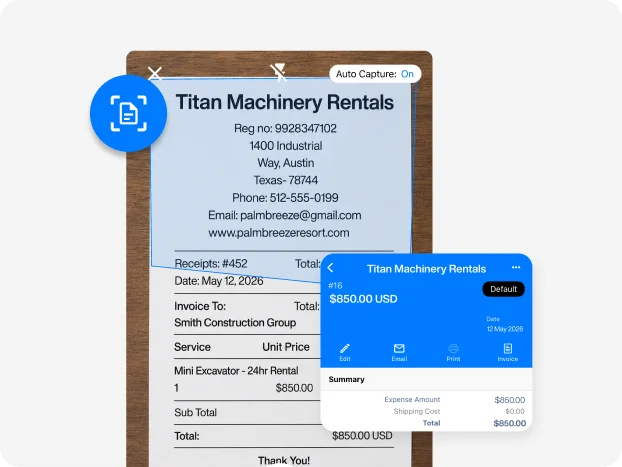
Simplify workflow with AI automation
Create invoices, estimates, and receipts with AI quick scan. Use AI to record payments, create contacts, or image products to streamline workflow. Say goodbye to errors and ensure high accuracy.
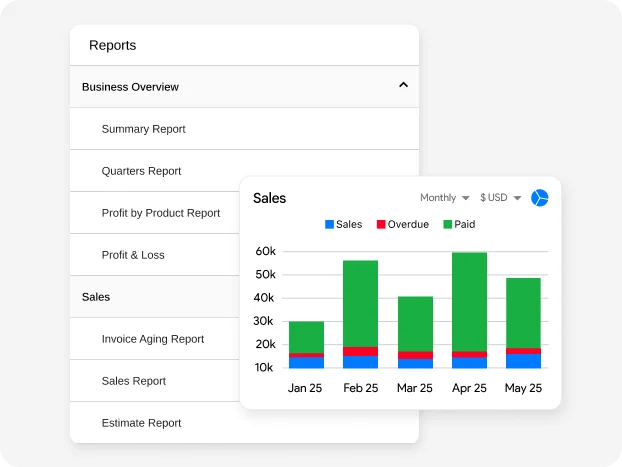
Real-time & custom financial insights
Get deeper financial insights with 15+ business reports. Analyze business revenue, sales, purchases, profit, and loss with all customizable reports. Easily share the reports via WhatsApp or email.
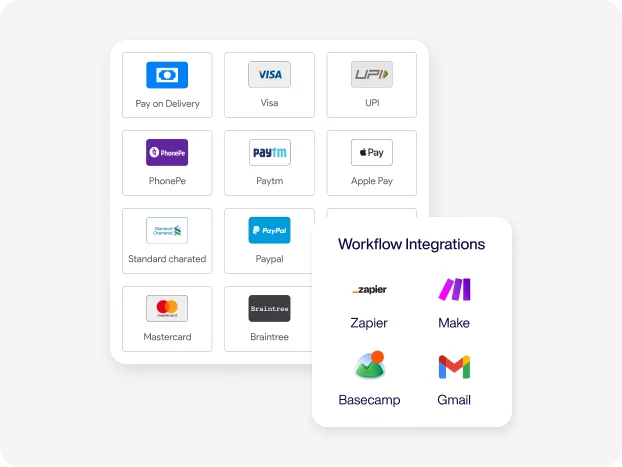
Enhance productivity with integrations
Enhance the workflow and payment process through a wide range of integration support. Seamlessly connect to your favorite tool to automate workflow, reduce manual work, and improve efficiency.
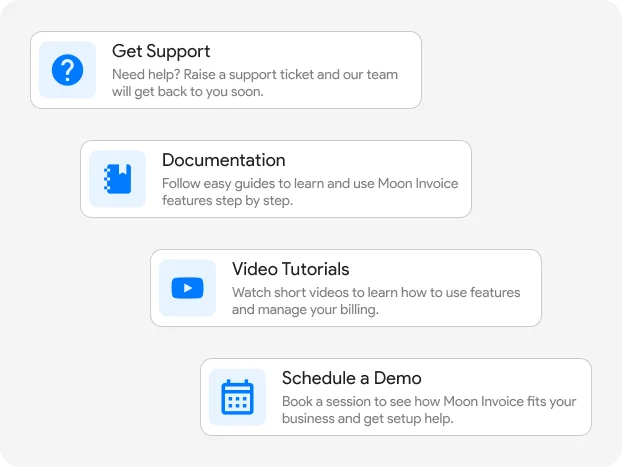
24/7 support when you need it
Access help resources or contact the support team via email, chat, or phone at any time. Receive a reliable solution for all kinds of issues and operate your business without interruption.
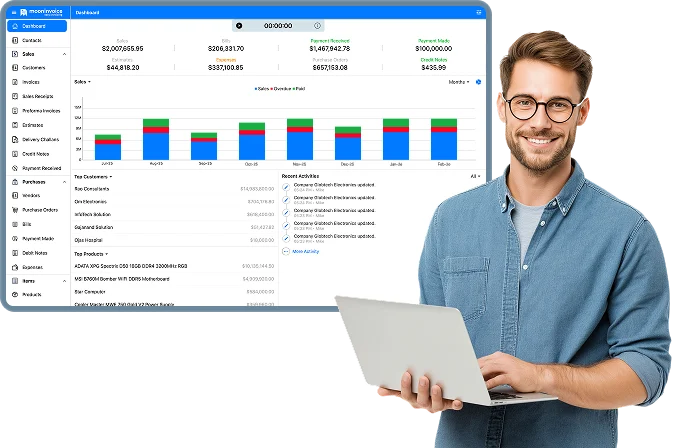
Get a single powerful
platform to run your business billing.
Simplify invoicing, create estimates, track expenses, and manage projects effortlessly with Moon Invoice.
- AI-powered invoicing
- Smart expense tracking
- Recurring invoices
- Get paid faster
Explore additional comparisons
Moon Invoice vs Xero: Features, Pricing & Software Comparison
A detailed comparison of xero and Moon Invoice features, pricing, time tracking, invoicing, and business management tools. Explore which platform fits your workflow.

InvoiceBerry vs Moon Invoice: Invoicing Features & Pricing Compared
A detailed comparison of Moon Invoice and InvoiceBerry features, pricing, and payment tools to help you choose the best invoicing platform.
Moon Invoice vs InvoiceOcean: Find the Best Invoicing Alternative
Find the best InvoiceOcean alternative by comparing key features with Moon Invoice, a powerful accounting and billing software. Start a free trial now.
Frequently Asked Questions
If you have any further questions, please don't hesitate to reach out to our customer support team for assistance.
What is the core difference between Moon Invoice and QuickBooks?
Moon Invoice is an all-in-one invoicing solution designed for freelancers and small to mid-sized businesses. It offers AI-powered features to streamline billing tasks. QuickBooks, on the other hand, offers comprehensive accounting solutions, including invoicing. Moon Invoice offers a good range of templates, whereas QuickBooks offers a limited range.
Why should I choose Moon Invoice over QuickBooks?
Moon Invoice is a better choice if your primary needs include:
- Simple and quick invoicing
- A wide range of professional templates
- AI-powered billing automation
- An affordable invoicing solution for the business
- All-in-one billing management
- Offline accessibility
- Estimate and receipt management
- Smart expense tracking
- Financial management features
Moon Invoice is a good choice for freelancers, small businesses, and other growing businesses looking for affordable billing solutions.
Can I migrate from QuickBooks to Moon Invoice?
Yes, you can migrate from QuickBooks to Moon Invoice using the CSV import feature. It allows you to transfer your essential data (as CSV files) with minimal disruption. After migration, you can continue with invoicing, estimates, and other day-to-day billing tasks.
Which platform offers better invoice customization?
You can find templates and customization in both tools. However, Moon Invoice, as a QuickBooks alternative, offers greater flexibility for invoice customization. It offers a wider variety of samples, with 66+ invoice templates available in Word, Excel, PDF, Google Sheets, and Google Docs formats. Users can add a logo, color, and other details to match the brand identity.
Can I work offline with both apps?
QuickBooks Online is a cloud-based platform and requires a continuous internet connection. Moon Invoice provides robust offline functionality. It allows you to create and manage invoices, estimates, and other billing actions. Also, data is automatically synchronized when you reconnect to the internet.





- Experience full-fledge invoicing module with estimates, POs, receipts
- Get offline support to work seamlessly
- Multiple payment gateways + custom payment method
- Live customer support
- Manage projects and customers efficiently
- Automate workflow, get analytics, & more
For my business, one of the headaches was managing both stocks and expenses. Luckily, I switched to Moon Invoice and found the hassles of stock and expense management getting faded. Thanks to this amazing invoicing app.


Try Moon Invoice Today!
- We Make Invoicing a Childsplay!
- No Complex Features, No Longer Processes
- Save Time, Boost Productivity
- Experience full-fledge invoicing module with estimates, POs, receipts
- Get offline support to work seamlessly
- Multiple payment gateways + custom payment method
- Live customer support
- Manage projects and customers efficiently
- Automate workflow, get analytics, & more
For my business, one of the headaches was managing both stocks and expenses. Luckily, I switched to Moon Invoice and found the hassles of stock and expense management getting faded. Thanks to this amazing invoicing app.
Try Moon Invoice Today!
- We Make Invoicing a Childsplay!
- No Complex Features, No Longer Processes
- Save Time, Boost Productivity
- Experience full-fledge invoicing module with estimates, POs, receipts
- Get offline support to work seamlessly
- Multiple payment gateways + custom payment method
- Live customer support
- Manage projects and customers efficiently
- Automate workflow, get analytics, & more
For my business, one of the headaches was managing both stocks and expenses. Luckily, I switched to Moon Invoice and found the hassles of stock and expense management getting faded. Thanks to this amazing invoicing app.
We will send you an email with instructions to reset it.
- We Make Invoicing a Childsplay!
- No Complex Features, No Longer Processes
- Save Time, Boost Productivity
- Experience full-fledge invoicing module with estimates, POs, receipts
- Get offline support to work seamlessly
- Multiple payment gateways + custom payment method
- Live customer support
- Manage projects and customers efficiently
- Automate workflow, get analytics, & more
For my business, one of the headaches was managing both stocks and expenses. Luckily, I switched to Moon Invoice and found the hassles of stock and expense management getting faded. Thanks to this amazing invoicing app.
Enter Password to link your account with Gmail
- We Make Invoicing a Childsplay!
- No Complex Features, No Longer Processes
- Save Time, Boost Productivity
- Experience full-fledge invoicing module with estimates, POs, receipts
- Get offline support to work seamlessly
- Multiple payment gateways + custom payment method
- Live customer support
- Manage projects and customers efficiently
- Automate workflow, get analytics, & more
For my business, one of the headaches was managing both stocks and expenses. Luckily, I switched to Moon Invoice and found the hassles of stock and expense management getting faded. Thanks to this amazing invoicing app.
Try Moon Invoice Today!
- We Make Invoicing a Childsplay!
- No Complex Features, No Longer Processes
- Save Time, Boost Productivity



