


A busy Friday night can quickly turn into a problem when your restaurant runs out of a key ingredient. At the same time, another ingredient sitting in storage may have already expired and needs to be thrown away. Both situations point to one issue: poor inventory management.
Many mistake restaurant inventory management for just counting ingredients. However, in reality, it is more about having complete knowledge of what to order, when to reorder, how much stock to keep, what gets used, and where food waste occurs. Why is it important? Because it has a large role in controlling food costs and protecting restaurants’ profits.
Whether you run a small restaurant or a restaurant franchise with multiple locations, you need a structured inventory process to keep daily operations running smoothly.
Let’s dive in to explore the 8 best tips on how you can manage your restaurant inventory more effectively.
📌 Key takeaways
- Restaurant inventory management refers to the process of purchasing, receiving, storing, and replenishing ingredients for a restaurant.
- Maintaining regular inventory counts and setting par levels are key practices of effective inventory management.
- Following the FIFO method and tracking food wastage are other primary practices of restaurant inventory management.
- Using POS or restaurant stock management software increases the accuracy of error-free inventory management.
- Generating barcodes for inventory items and reviewing sales are primary steps to improve inventory management.
Restaurant inventory management tips
Consider the following eight tips for effective food and beverage inventory management if your restaurant is repeatedly facing overstocking or stockouts.
1. Structure purchasing, receiving, and storing inventory
Effective inventory management starts before ingredients even reach your kitchen. Without a consistent process for purchasing, receiving, and storing stock, restaurants can end up with incorrect quantities, damaged products, or ingredients that are difficult to track.
Before placing an order, check your current stock levels and compare them with your upcoming requirements. When a delivery arrives, verify the quantity and quality of each item against the purchase order. Check expiration dates and look for damaged or spoiled products before accepting the delivery.
Once received, store ingredients in their designated locations and follow proper stock rotation practices. Keeping storage areas organized helps staff find ingredients and identify items that need attention.
2. Keep accurate and regular inventory counts
Managing restaurant inventory could be challenging if you don’t know exactly what you have in stock. Regular inventory counts give you a clear picture of your available ingredients, supplies, and stock levels.
You should create a consistent counting schedule and assign responsibility to specific team members. Count fast-moving, expensive, and perishable items more frequently than less-used items. Keep the counting process organized by storage area, such as refrigerators, freezers, dry storage, and bar areas.
Inventory counts on a regular basis help you spot discrepancies early and make better purchasing decisions before small inventory issues turn into costly problems.
Your inventory count shouldn’t take all afternoon.
Generate barcodes for your inventory items so that you don’t have to count each inventory item manually.
3. Set par levels and reorder points
Knowing how much inventory you have is only half the job. You also need to know how much you should have and when it’s time to order more. This is where par levels and reorder points can make restaurant inventory control much easier.
A par level is the ideal quantity of an ingredient or product that your restaurant should keep on hand. A reorder point is the stock level at which you need to place a new order before running out of stock.
Setting par levels and reorder points is not a one-time process. You should review them regularly based on sales patterns, seasonal demand, and supplier lead times. It helps prevent both overstocking and stockouts.
4. Follow FIFO to reduce spoilage and food waste
Even when you order the right amount of ingredients, poor storage practices can lead to unnecessary waste. One of the easiest ways to prevent this is to follow the FIFO (First In, First Out) method, in which older inventory is used before newer stock.
Whenever you receive a new delivery, move the older items to the front and place the newer ones behind them. Label ingredients with their receiving or preparation dates so your kitchen staff can quickly identify which products should be used first. This is very effective for perishable ingredients such as vegetables, dairy products, and prepared foods.
Make FIFO part of your regular storage routine. It helps maintain food quality and get more value from the inventory you have already purchased.
5. Track food waste and inventory discrepancies
Some inventory losses are easy to notice, while others can quietly add to your food costs. An ingredient may be spoiled, over-prepared, incorrectly portioned, damaged, or simply missing from the expected stock count. Tracking these losses is an important part of effective food stock control and can help you understand where your inventory is going.
You should record the type and quantity of food wasted along with the reason. Then, compare your actual inventory usage with what you would expect based on your sales and recipes. For example, if your restaurant should have used 20 kg of chicken based on its sales but actually used 25 kg, the 5 kg difference needs to be investigated.
Regularly reviewing these discrepancies can help you identify recurring problems and reduce food wastage in your restaurant.
6. Monitor food costs and inventory turnover
Restaurant inventory directly affects your food costs and profit margins, so keeping track of food inventory alone isn’t enough. You also need to understand how much you’re spending on ingredients and how efficiently you’re using that inventory.
Regularly monitor metrics such as food cost percentage, cost of goods sold (COGS), inventory turnover, and inventory variance. If inventory costs are increasing while sales remain steady, it could indicate excessive waste, over-portioning, or inefficient stock usage.
Monitoring food costs and inventory turnover is an important part of effective restaurant inventory management. It shows how quickly your restaurant uses and replenishes its stock.
7. Maintain consistent portion sizes and ingredient usage
Your restaurants located at multiple places can purchase the same amount of ingredients but end up with very different inventory costs depending on how those ingredients are used. Inconsistent portion sizes and preparation methods can cause ingredients to run out faster than expected and make inventory control difficult.
Chefs should prepare recipes that clearly specify the quantity of each ingredient required for every menu item. Train kitchen staff to follow these measurements consistently, even when handling multiple orders.
Well-measured recipes and portions make inventory tracking easier because you have a clearer idea of how much stock to consume based on your sales.
8. Use restaurant inventory management software
Using old, paper-based practices to count stock, update spreadsheets, and track inventory movement is not only an overwhelming task but can also limit your opportunities to grow. It increases the likelihood of missed counts, outdated records, and minor errors that significantly impact inventory accuracy.
Restaurants that have a large number of menu items or operate at multiple locations find it even more challenging to manage inventories. To overcome these challenges, it is ideal to use a reliable POS solution for your restaurant business.
Using restaurant stock management software or a POS solution, restaurants can simplify inventory management with barcode generation, low-stock alerts, and tracking of customer demand over time. It gives restaurant owners and managers more time to focus on other areas of the business and make day-to-day inventory tasks more organized, consistent, and manageable.
Restaurant inventory checklist
Managing restaurant inventory is easier when you turn the right practices into a consistent routine. The following checklist is what you need to consider to manage your restaurant inventory effectively.
- Count ingredients, beverages, packaging, and other essential supplies. Pay extra attention to high-value, fast-moving, and perishable items.
- Review available stock and compare it with your established par levels and reorder points before placing new orders.
- Keep track of spoiled, expired, damaged, overprepared, or incorrectly portioned ingredients, along with the reason for the waste.
- Check expiration dates and make sure older products are placed in front of newer stock so they are used first.
- Check purchase quantities, supplier prices, delivery accuracy, and ingredient usage to identify unnecessary purchases or excess inventory.
- Make sure kitchen staff follow standardized recipes and use consistent ingredient quantities for every menu item.
- Record purchases, usage, waste, adjustments, and other stock movements to maintain accurate inventory records.
- Regularly check inventory movements, food costs, and discrepancies to identify areas that need attention.
Steps to improve restaurant inventory management
Restaurant inventory management can improve significantly when you use a POS solution rather than managing it manually. The steps below explain how POS solutions or the best restaurant inventory management software can improve your overall inventory management.
- Set up a POS solution for your restaurant: Add inventory items, record current stock, set par levels, and configure low-stock alerts in the POS software.
- Generate barcodes for every inventory item: Assign barcodes to applicable items and scan them during sales. The POS software can automatically update stock quantities, which eliminates manual counting and missed updates.
- Review sales and upcoming demand: Use POS sales data to identify fast-moving items, slower-moving products, and upcoming demand changes. Sales patterns and demand often change with holidays, promotions, and special events.
- Compare current stock against par levels: Check whether current quantities meet established par levels and then consider upcoming requirements and shelf life. Avoid unnecessary overstocking, and adjust par levels as your restaurant’s inventory needs change.
- Create POs and verify orders: Create purchase orders (POs) based on the current stock levels and requirements. When you receive orders, verify them by checking quantity, quality, expiry dates, and order accuracy.
- Review inventory and food cost reports: Analyze stock movement, ingredient costs, waste, and inventory variances to spot operational discrepancies. Reviewing these reports turns data into actionable insights for smarter food and beverage inventory management.
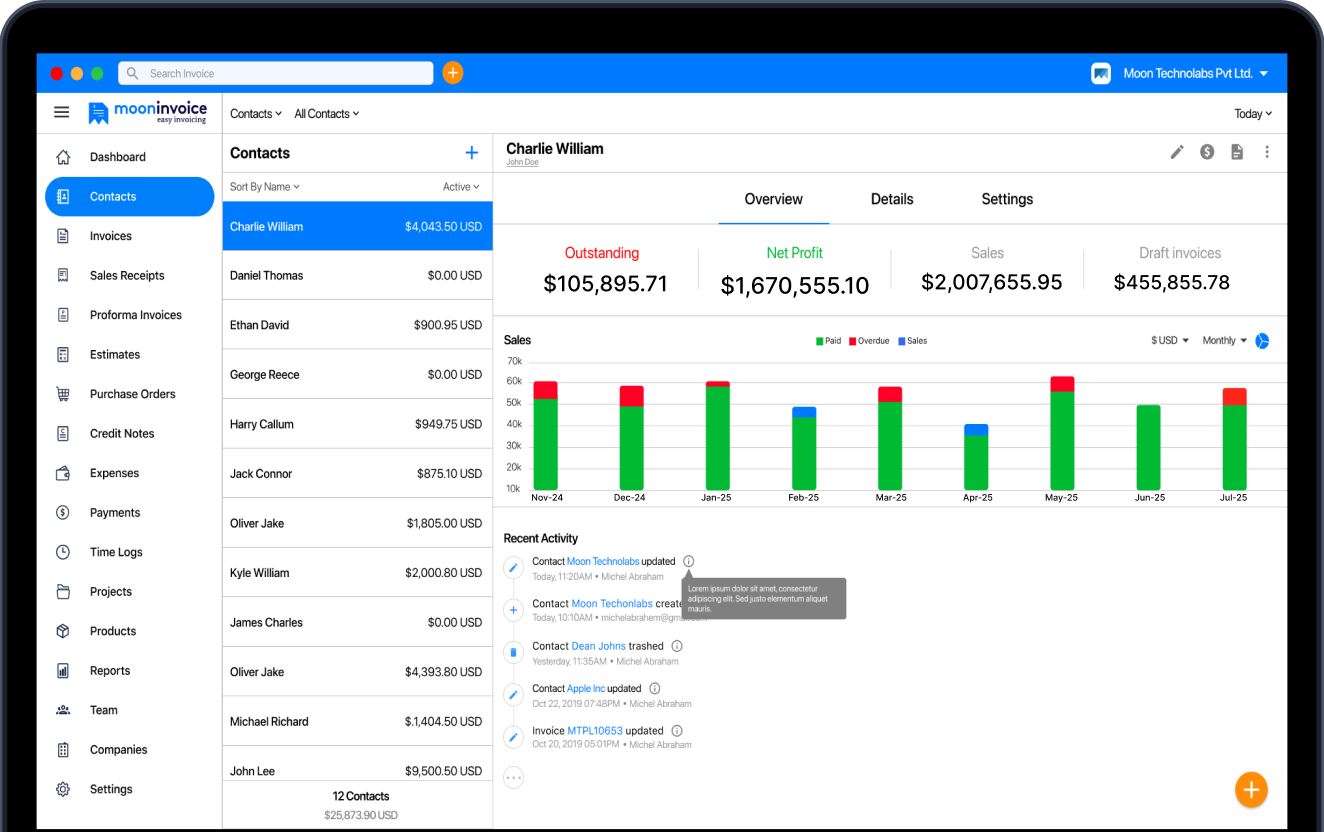
Sell more. Count less. Keep inventory in check.
Skip repetitive stock updates and get a clearer view of which stock is moving and which needs attention.

Barcode generation
Low-stock alert
Real-time updates
Simplify restaurant inventory management with a POS solution
Managing restaurant inventory using paper-based manual processes results in lost time spent counting stock, updating spreadsheets, and checking records. But guess what? There’s a solution to this. Yes, you read that right.
With the right process and a reliable POS solution like Moon POS, restaurants can track inventory more effectively and spend more time on daily operations. They can set par levels, generate barcodes, monitor sales trends or patterns, and make inventory management more organized.
Don’t let manual methods hurt your restaurant’s overall efficiency. Simplify your inventory management with Moon POS today.
Frequently asked questions
What is restaurant inventory management?
How often should a restaurant count inventory?
How to do an inventory count in a restaurant?
How can restaurants reduce food waste through inventory management?



Jayanti Katariya is the founder & CEO of Moon Invoice, with over a decade of experience in developing SaaS products and the fintech industry. He holds a degree in engineering. Since 2011, Jayanti's expertise has helped thousands of businesses, from small startups to large enterprises, streamline invoicing, estimation, and accounting operations. His vision is to deliver top-tier financial solutions globally, ensuring efficient financial management for all business owners.