
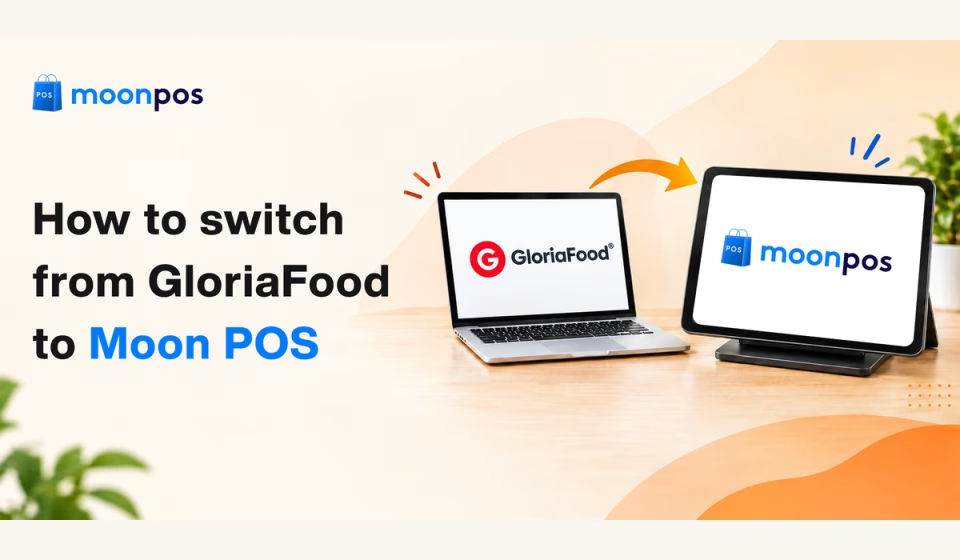


For years, direct online ordering has been the lifeblood of restaurants and eateries. It is what allows you to dodge hefty third-party commissions and build direct relationships with guests. But what if suddenly the online ordering system announces it is permanently pulling the plug?
Such is the case for thousands of restaurant owners relying on GloriaFood. They are facing an impending platform shutdown, which, of course, feels like an unexpected operational headache. Yet, what we believe is a rare opportunity to upgrade to an advanced online ordering system and enhance the customer ordering and dining experience.
So, if you are willing to migrate to a new online ordering platform without confusing your regular guests, then we have a migration roadmap to make the switch. Let’s jump into it.
Why switch from GloriaFood?
Simply because the existing restaurant cannot risk a sudden disruption to its daily operations. If your restaurant processes hundreds of orders every week, the threat is not finding a new platform, but the chaos of a last-minute transition. And that’s something no restaurant owner can afford to deal with, right?
Delaying your migration plan will only turn a smooth transition into an unnecessary emergency. This is because rushing to migrate from GloriaFood online ordering system at the very last moment can lead to costly downtime, especially during peak hours. Moving away from GloriaFood gives you full control over the process, so you can protect your margins. Plus, you can elevate your customers’ ordering experience.
Don’t let your menu disappear overnight
Upgrade to modern POS ordering software that protects your bottom line and delivers a superior guest experience.
5 simple steps to migrate from GloriaFood
Execute these five steps to successfully migrate from GloriaFood and keep your direct orders flowing.
1. Select a platform wisely
The moment you plan to migrate from GloriaFood, start looking for a reliable online ordering platform. Not all systems are built equally, of course. Remember, switching off GloriaFood is your opportunity to upgrade, but choosing the wrong alternative can trap you in hidden fees.
If you are doing it for the first time, here are some tips to consider when selecting a new ordering platform.
How to choose the right platform
Choosing the best Gloriafood alternative is all about finding feature-rich software that pays off. Here are features to look for in order to get the right platform.
- Scan to order: Assure a preferred software has built-in QR code ordering that allows customers to view and order online from their phones.
- Data integration: Confirm whether the new platform integrates with your existing system to fetch the existing billing and customer data.
- Customer management: Make sure the platform you choose provides a dedicated customer portal to log contact, preferences, and billing details.
- Inventory tracking: Discover how the software helps you monitor restaurant inventory. Either by popping up low-stock alerts or in other automated ways.
2. Export your essential data
Customer order history and billing details are your restaurant’s most valuable assets. Because access to your existing platform may no longer be available after the shutdown, it’s important to export any data you may need before migrating. Thus, export the necessary data before you initiate the transition process.
Say, for example, you are migrating to the POS billing software like Moon POS; then below are the steps to follow:
- Make sure you export the data from the existing platform (CSV format is recommended)
- Head to the Moon POS dashboard and navigate to the ‘Settings’ option.
- Now, select ‘Import data’ and successfully fetch the essential information into Moon POS.
3. Test the ordering flow
What comes next is rebuilding and testing the ordering flow. It is a mandatory operational safeguard that confirms everything runs smoothly. This is an important step to check the entire process, so test your new online menu like a real customer before you go live on a new ordering page. Place a fake order yourself to make sure nothing breaks, and the price is right.
What to check while running a test order?
- Pricing
- Confirmation emails
- Billing details
- Tax calculations
- Payment processing time
Similarly, also test-run the Kitchen Order Ticket (KOT) and hand it to your cooks to make sure it’s easy to read. Double-check that your order alerts your team so they never miss anything amid rush hours.
4. Replace online ordering links
Now, swap out your old GloriaFood web links with your new ordering links wherever your restaurant appears online. By doing so, it ensures your regular guests do not end up on a broken screen or accidentally place an order on a platform you no longer use.
Head to the ordering portal and remove the old GloriaFood links. Update the primary ordering link so customers can place an order straightaway. Similarly, replace the old links from Google Business Profile. Plus, put the new bio links and action buttons across your social media channels like Facebook and Instagram.
Besides links, update QR codes with new links to direct your guests to your new checkout screen. That way, you don’t lose a single order because you confirm every digital door stays open for existing and new customers.
5. Broadcast to your customers
When you put up a new ordering page link, don’t forget to broadcast it to your customers. Do a friendly announcement reassuring them that your restaurant still accepts direct online orders, but from a completely new platform. Let them know that the move is aimed at enhancing the ordering experience and delivering faster service.
Send a quick email or message to the customer contact list you exported earlier. Keep the message short and sweet, and also attach a new direct link to place their next order. Likewise, spread the word across your social media channels too. Post a short video or image showing off your new online menu, checkout screen, and pin that post to the top of your profile for a few weeks.
GloriaFood migration checklist
Here’s a complete checklist to follow when migrating from GloriaFood to a new ordering platform.
- Refresh the menu: Clean up the messy menus and put the available dishes at the right price. Remove discontinued items. If required, include short descriptions.
- Customer data: Never lose your existing customer data. Be sure to export the contact list and safely import it into a new platform.
- Ordering page links: Delete the old links from the ordering page, QR codes, and other marketing materials. Add the new links that are active.
- Menu accessibility: Sometimes restaurants have an accessible menu but still cannot accept online payments. Test such scenarios before going live.
- Notifications: Trigger a test order to verify that automated customer messages (“Order Received,” “Order Out for Delivery”) contain the correct restaurant phone number and address.
- Payment gateways: Watch out if payment gateway is active or inactive. You need to ensure that direct bank payouts are connected.
- Checkout flow: See if the checkout process is working as per expectation. Confirm the user experience is super fast and smooth.
- Staff training: Brief your in-house staff and shift managers on how to accept or refund orders on the new setup.
Why choose Moon POS system?
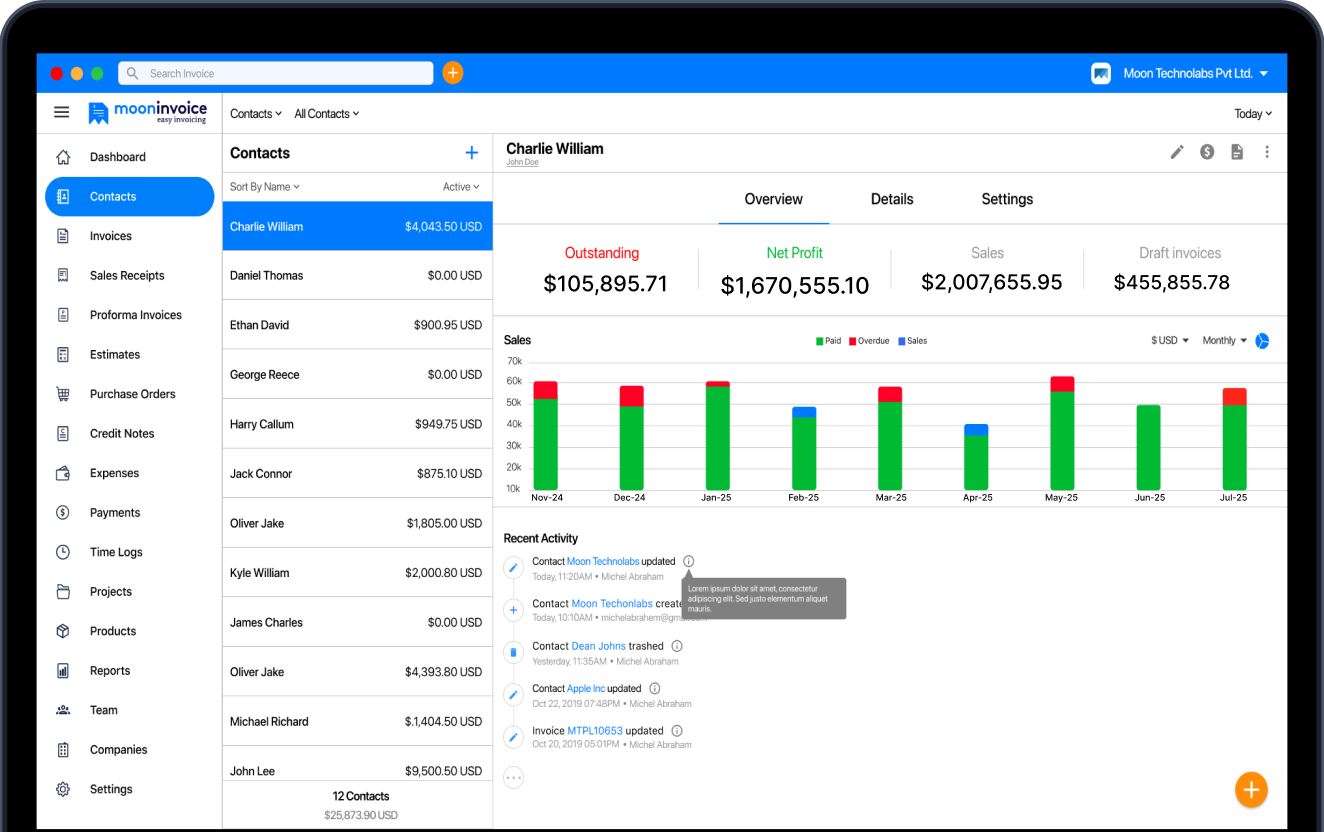
Moving away from GloriaFood does not mean settling for a slow and complex system. Moon POS gives you a firm grip on your restaurant’s operations, bridging the gap between online ordering and guest data management
Here are some reasons why restaurant owners prefer Moon POS over other traditional POS software.
- No third-party commissions: Moon POS is the first choice for restaurants, cafes, and eateries because of its direct online ordering functionality that processes orders straight to your bank account. There are no third-party fees.
- Flawless workflow & KOT printing: This POS billing software takes care of every incoming order and prints Kitchen Order Tickets (KOT) for your kitchen staff. It generates KOT receipts so crystal-clear that nobody misreads an order or slows down kitchen efficiency.
- Better inventory control: Restaurants using Moon POS get complete control over inventory levels. It tracks ingredient stock levels in real time and also notifies you about low-stock levels. Your staff members do not have to rely on guesswork.
- Variation & combo management: Moon POS supports products with multiple variations, so restaurants can create multi-unit variations, custom meal kits with distinct SKUs and pricing. It ensures your online menu mirrors what’s in current offerings.
- Thermal print customization: Moon POS allows users to customize thermal receipt prints. They can adjust layouts, fonts, and sizes. If needed, users can add or remove columns instead of using a fixed column layout.
Take control of your restaurant’s direct orders
Simplify your order management with Moon POS
Inventory alerts
Barcode generator
Stock reports
Summing it up
When all is said and done, switching platforms is about taking total control of your restaurant’s bottom line. Therefore, you need a reliable system that does not give you technical headaches, but simplifies online ordering and POS billing. With so many ordering systems available today, finding the right one is like finding a needle in a haystack.
Amid the pool of online tools, Moon POS is such a restaurant POS solution that pulls out the hassle of order management and the checkout process. It comprises a sophisticated feature suite including a barcode generator, table management, and inventory reports. And importantly, unlike third-party platforms, it does not levy commission fees.
Don’t let third-party platforms dictating fees hold your growth back. Try Moon POS for free.
GloriaFood migration FAQs
What is a free alternative to GloriaFood?
How long does migration take?
When to switch from GloriaFood to a new platform?
Does migration affect my restaurant’s daily operation?



Jayanti Katariya is the founder & CEO of Moon Invoice, with over a decade of experience in developing SaaS products and the fintech industry. He holds a degree in engineering. Since 2011, Jayanti's expertise has helped thousands of businesses, from small startups to large enterprises, streamline invoicing, estimation, and accounting operations. His vision is to deliver top-tier financial solutions globally, ensuring efficient financial management for all business owners.