Sales receipt template
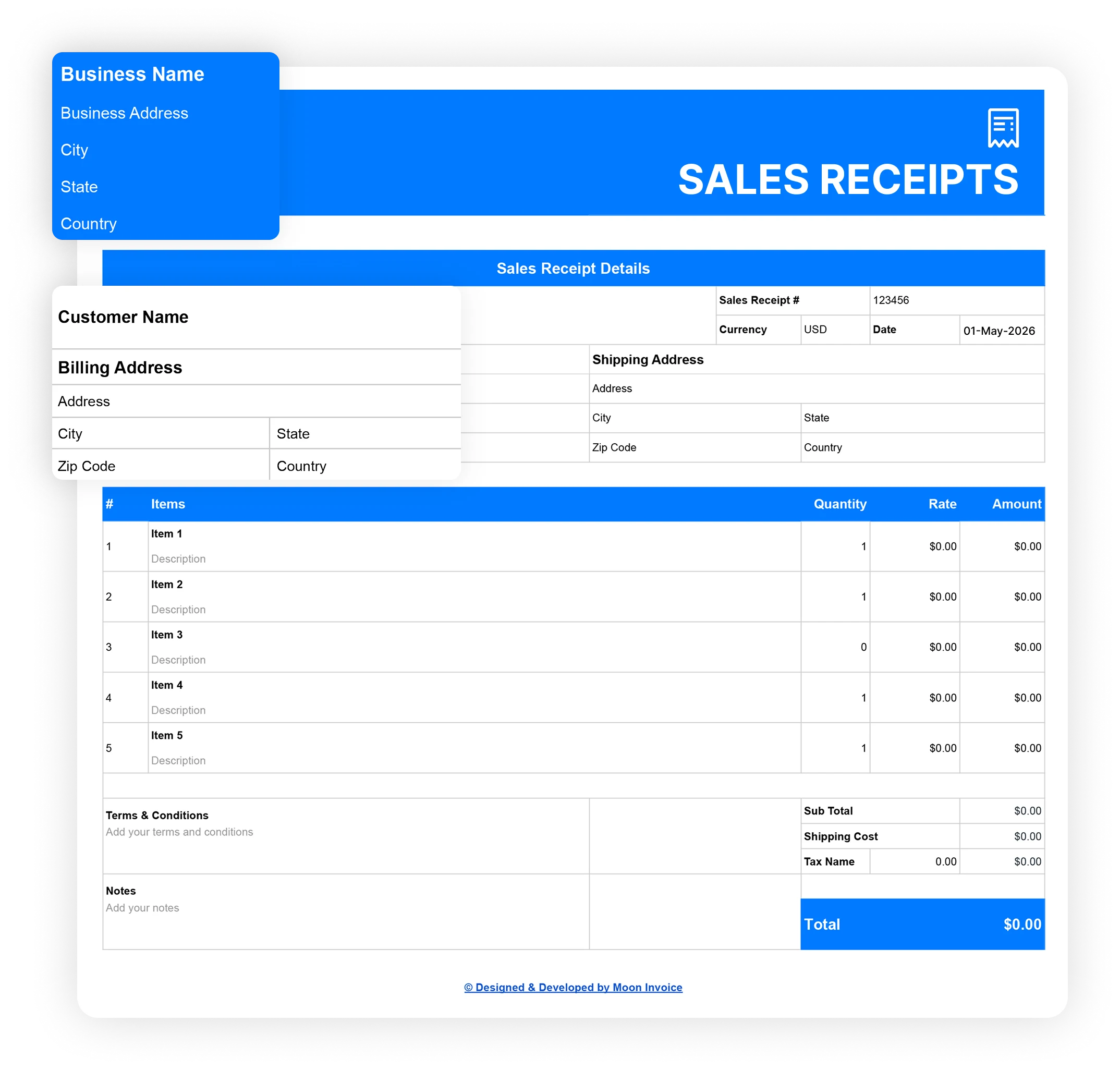
Create a professional, clean receipt in minutes using our sales receipt template from Moon Invoice. Designed specially to streamline your receipt process and enhance your billing for every sale. Get your digital receipt ready in Word, Excel, Google Docs, Google Sheets, and PDF format. Keep your transactions accurate and well-organized. No matter the size of your business, our templates are available for everyone.
Download a free sales receipt template online
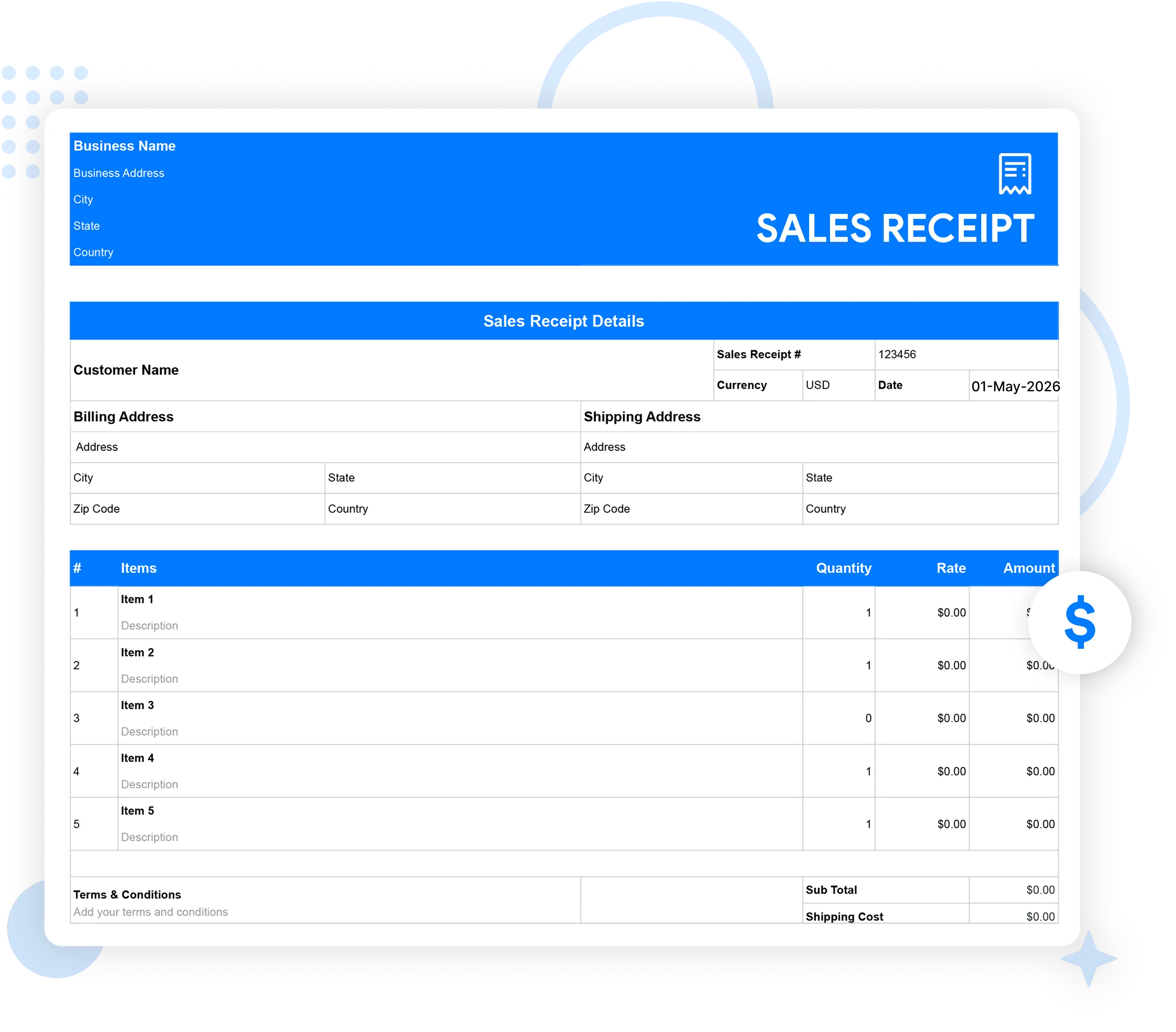
Tired of the time-consuming manual approach of creating and handling receipts? Try our free sales receipt template in PDF, Excel, Word, Sheets, or Docs to streamline the receipt process. Just choose, edit, and get your professional receipt easily. Save time, stay organized, and effortlessly issue a clean receipt for every sale.
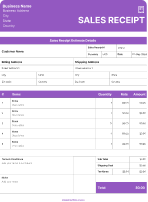
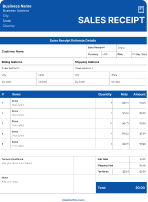
Download Template


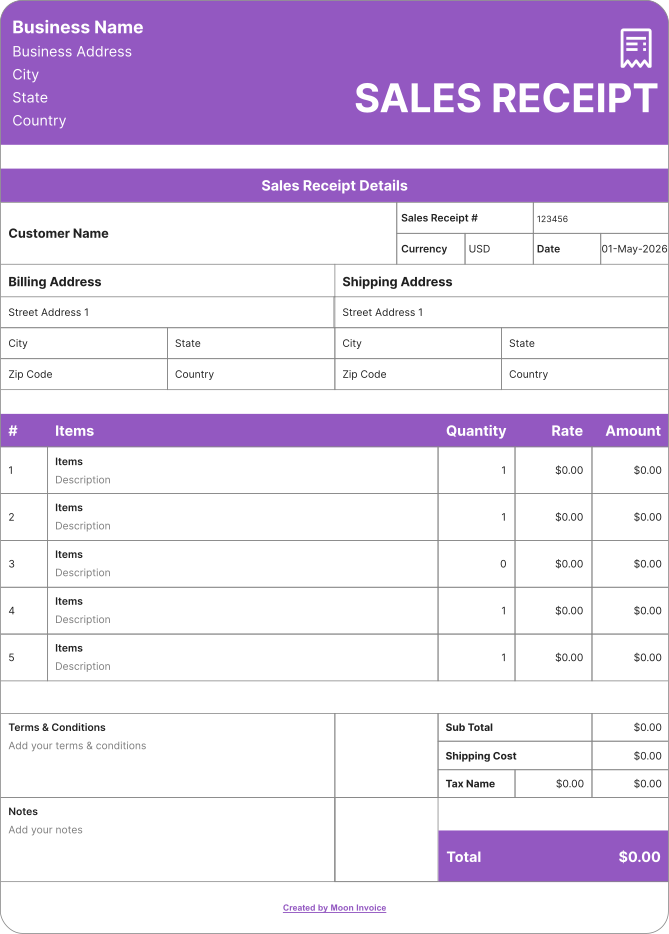
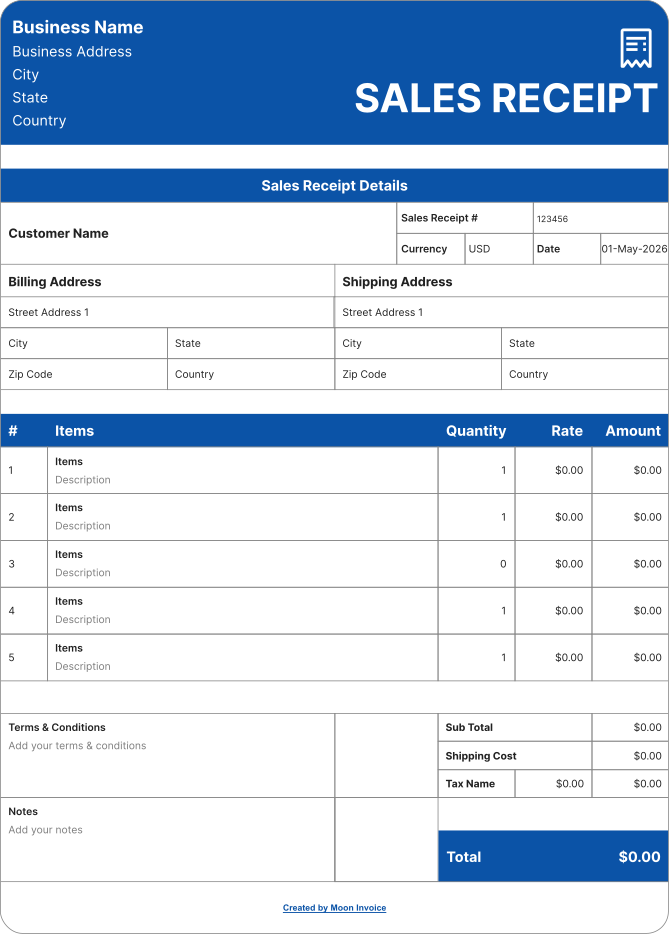
How to Create a sales receipt online?
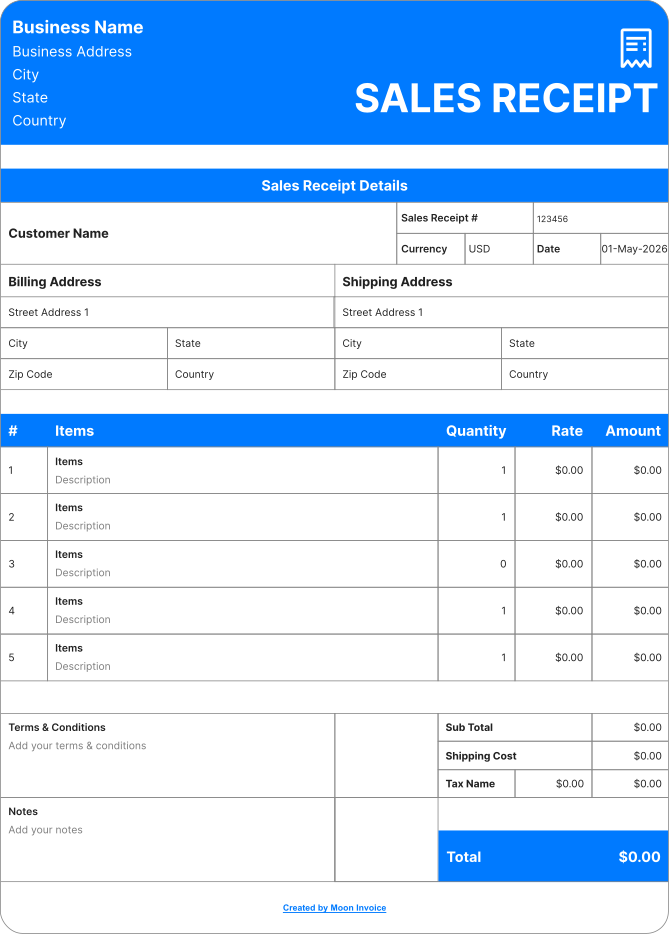
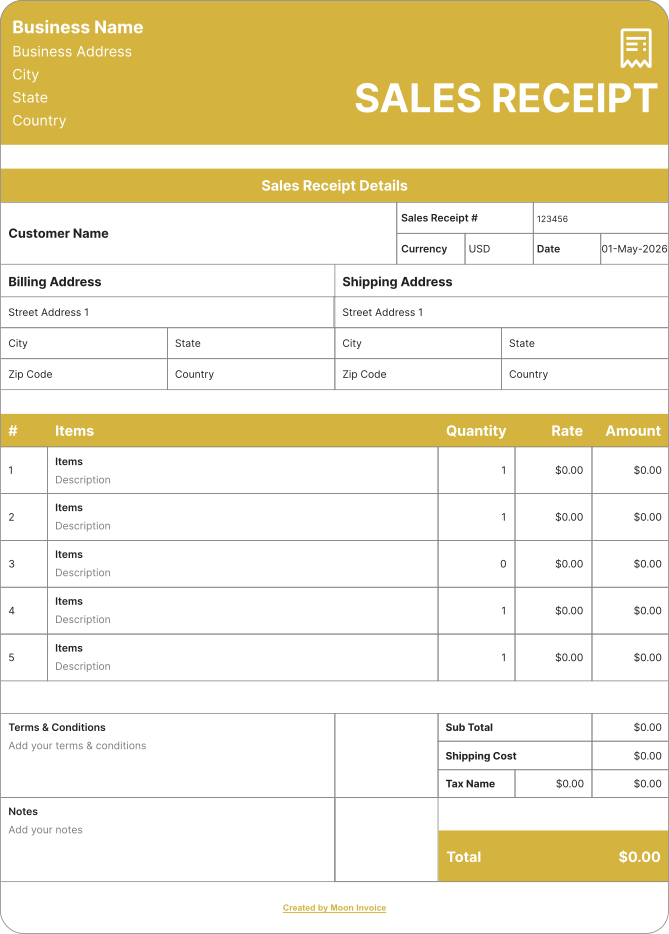
Creating the sales receipt is quite easy with Moon Invoice. The platform offers 66+ customized sales receipt templates, allowing you to create professional receipts more quickly. Follow these steps to generate your receipts online:
- Download the free sales receipt template in your desired format (Word, Excel, Google Docs, Google Sheets, and PDF).
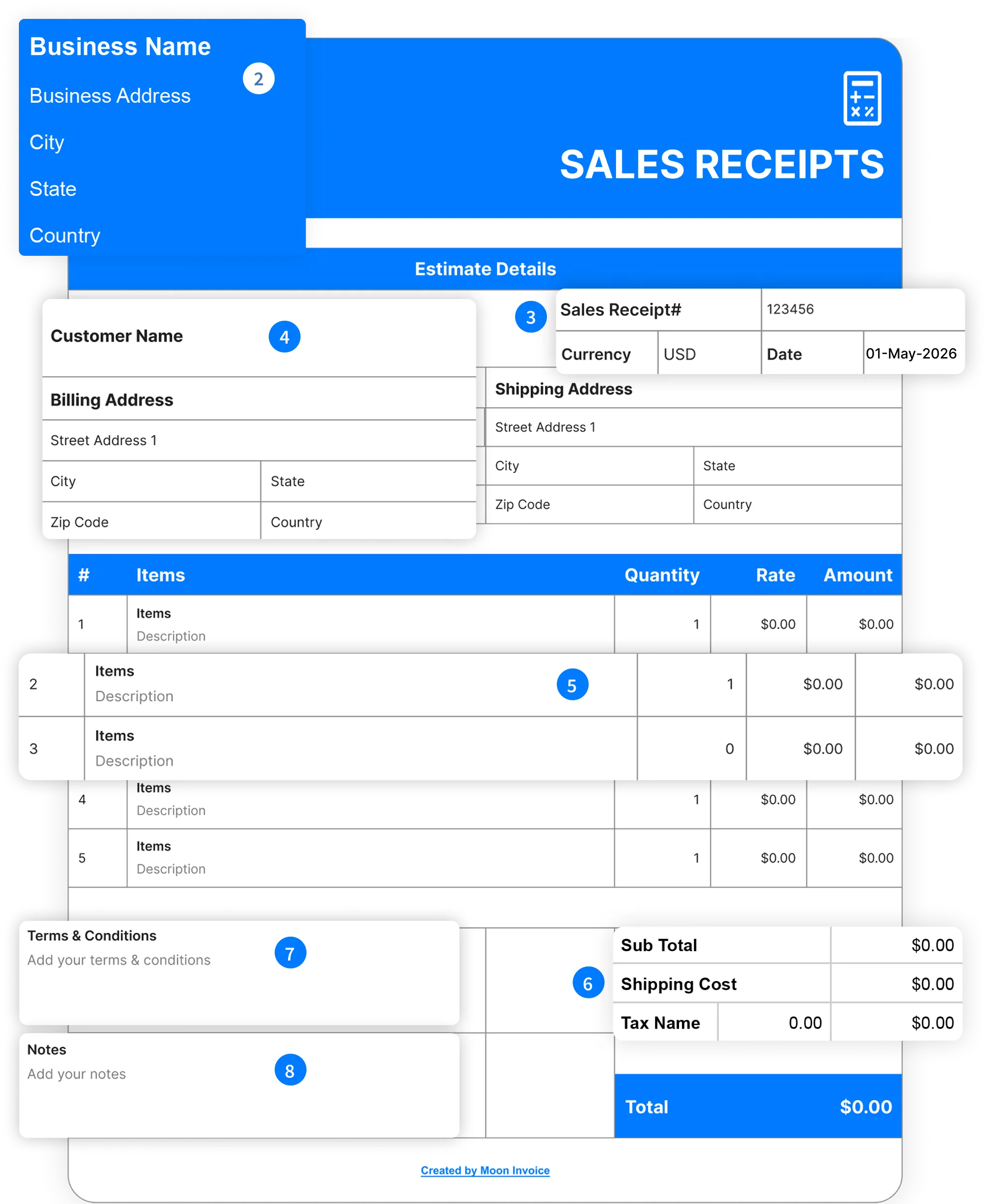
- Add the business details: company name or your name, address, city, state, and country.
- Add receipt details, including the sales receipt number, currency, and date.
- Add customer name and address, contact details, city, state, zip code, and country.
- Include the line-item details for the product or service, including the quantity and unit price.
- Add applicable tax & discount.
- Add terms and conditions.
- Include notes
- Review the details and save the receipt.
Share the digital receipt online via WhatsApp or email. Moreover, you can send the hard copy of the receipt after printing the document.
Benefits of using sales receipt templates
Sales receipt templates enhance the receipt creation by providing the following benefits:
Professional layout
The sales receipt template provides a professional layout for creating impressive receipts. Thus, businesses gain customers' trust through branded receipts.

Easy customization
Sales receipt templates are customizable, allowing users to create receipts according to their requirements. They can easily add a logo and other business details.

High accuracy
Using the templates, users can ensure high accuracy on every receipt. The auto-calculation feature automatically calculates the figure to give the correct value.

Save time
Receipt templates offer ready-to-use fields. This concept enables users to quickly create a receipt with minimal effort, ultimately saving time.

Support tax compliance
Using the templates, you can easily add all the required information and create a valid receipt. This enhances the proper documentation and tax filing.

Maintain consistency
Receipt templates provide a standard format with a clean layout. Thus, you can maintain uniformity regardless of how many receipts you generate.
Why should business owners send a professional sales receipt?
There are many reasons to send a professional-looking sales receipt:
- Professional receipts enhance the business brand.
- A clean and professional-looking sales receipt builds the client's trust.
- A professional-looking sales receipt simplifies the record-keeping.
- Referring to the professional sales receipt example enhances understanding and minimizes confusion.
- The risk of error is very low due to clear and well-organized details.
- It serves as the right proof of payment and simplifies the accounting process.
- Keeping records accurate for tax filings and audits.
Why should business owners send a professional sales receipt?
Industry-Specific Online Receipt Templates
Clear & polished receipts with no cost. Speed up your receipt process by selecting the right receipt template, available for free and tailored to your industry.
Free sales receipt templates vs. Moon Invoice
Many professionals prefer free sales receipt templates because they are cost-effective. However, these templates lack advanced features. At this point, Moon Invoice is the best choice because it offers the following advanced functionality:
| Set of functions | Free sales receipt templates |

|
|---|---|---|
| Free sales receipt templates |

|
|
| Unlimited receipts |

|
|
| Sharing receipt via whatsApp |
|
|
| Duplicating as sales receipt |
|
|
| Activity log |
|
|
| Customized format |
|
|
| Email receipt easily |
|
|
| Auto payment alerts |
|
|
| Adding discount and tax |
|
|
| Download Now | Sign Up |
Frequently Asked Questions
If you have any further questions, please don't hesitate to reach out to our customer support team for assistance.
How to create a sales receipt?
To create the sales receipt, you need to choose the appropriate sales template and then fill in the following details:
- Receipt details - receipt number, date, and due date.
- Business details - company logo, business name, address, and contact details.
- Customer details - name, address, and contact information.
- Line item details - offered product and services with quantity and tax.
- Terms - applicable terms and conditions related to the transaction.
Can I create receipts in Excel?
Yes, you can create receipts in Excel using built-in templates or in blank documents. Alternatively, Moon Invoice offers a free, customizable receipt template that you can easily download and create receipts in Excel.
Are sales receipt templates customizable?
Yes, sales receipt templates can be customized. Moon Invoice offers free, customizable receipt templates, allowing users to easily add a logo, color, and details. Thus, users can easily create the desired receipt in less time.
What software is used to make receipts?
You can use invoicing or accounting software to create receipts. Other than that, you can also use an offline program like MS Excel. However, the best approach is to use invoicing software such as Moon Invoice, which offers 66+ customizable templates. Additionally, you can manage all receipts in one place and easily send them via WhatsApp or email.